Home › Blog › Moving and Relocations
Using Your DStv Decoder in Another House: Hout Bay Holiday Homes
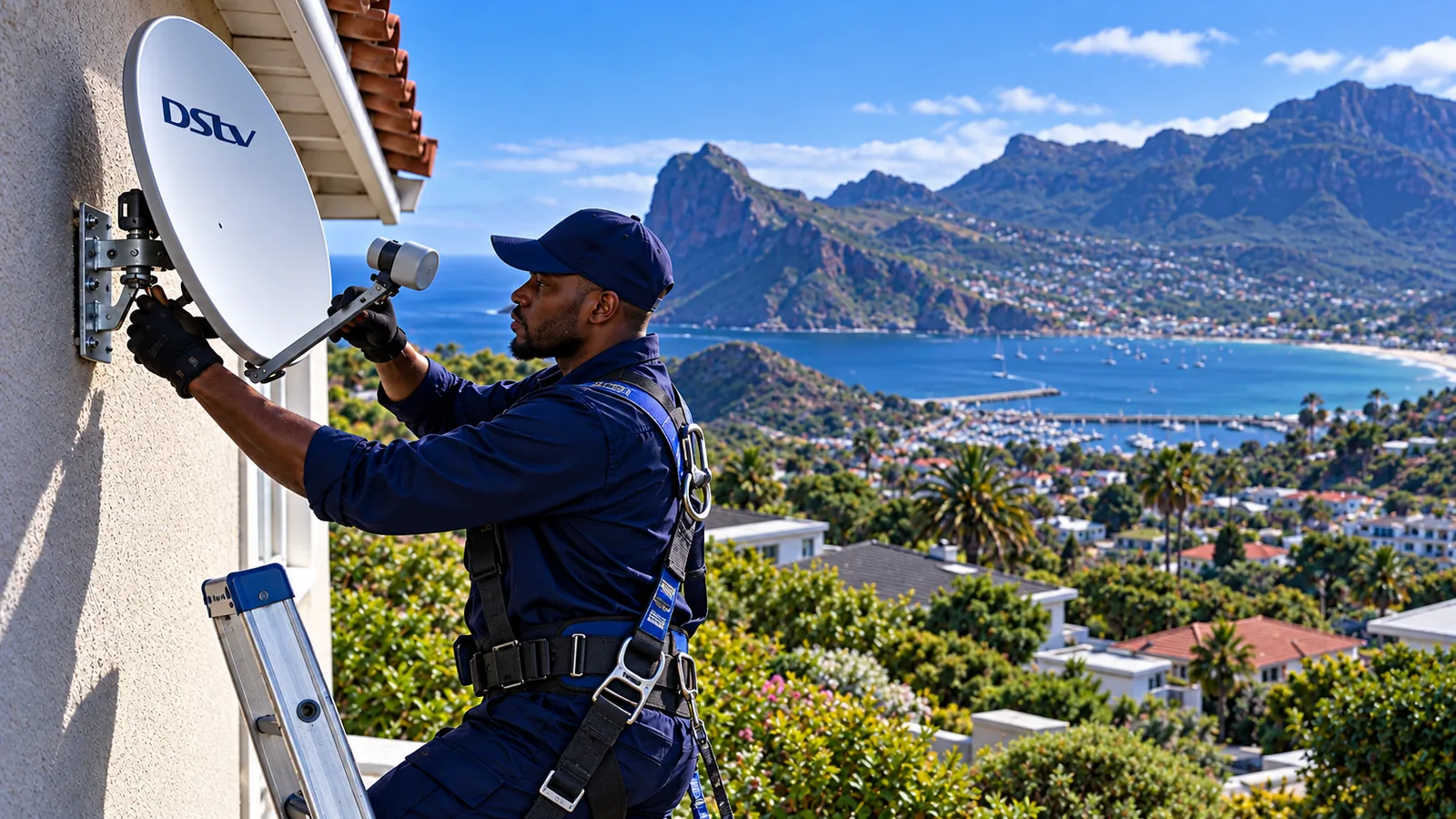
December arrives, the family packs the car for the house in Hout Bay, and someone asks the big question: can we take the DStv decoder in another house for the holidays? Yes, you usually can. The decoder belongs to your account, not to the address. What decides whether it works on arrival is the dish, the cabling and how your account is set up.
Quick answer
You can use your DStv decoder in another house if that house has a working, aligned dish and the right cabling, and your account is paid up. An XtraView-linked decoder will not work away from its main box. For regular stays, DStv's holiday viewing options or a second decoder kept at the holiday home are usually easier.
Can You Use a DStv Decoder in Another House?
Here is the simple rule. A decoder needs three things to show channels: a signal from a correctly pointed dish, an active subscription, and the right cables. It does not check your street address. So moving a DStv decoder in another house for a weekend or a season is normal.
There are a few catches worth knowing before you load the car:
- XtraView decoders must stay in contact with their main decoder. Take the second box away and it stops playing.
- An Explora needs a Smart LNB on the dish at the other house, or some features will not work.
- Your account only plays on one decoder at a time unless you pay for more. Your home decoder goes quiet while you are away if you move the subscription.
A plain HD Single View box is the easiest DStv decoder in another house to set up, because it needs nothing special from the dish. If the holiday house has never had TV, start with our new DStv installation team in Hout Bay so the dish is ready before you arrive.
DStv Holiday Home Options in Hout Bay: Three Ways to Watch
Second homes are part of Hout Bay life, from Llandudno to Northshore and the estates on the slopes. A DStv holiday home setup usually follows one of three patterns. Which suits you depends on how often you visit.
| Option | Suits | Watch out for |
|---|---|---|
| Carry your DStv decoder in another house bag from home | A few visits a year | Your main home has no TV while you are away |
| A second decoder kept at the DStv holiday home | Regular weekends and long holidays | Needs a dish there and a holiday viewing setup on your account |
| Stream on a smart TV | Short stays, homes with fibre | Uses data, needs strong WiFi |
DStv offers holiday viewing for a second property. You can either switch your package from home to the holiday decoder for set dates, or keep both running. Details and costs change, so check the holiday viewing section on DStv's official holiday viewing FAQ before you go.
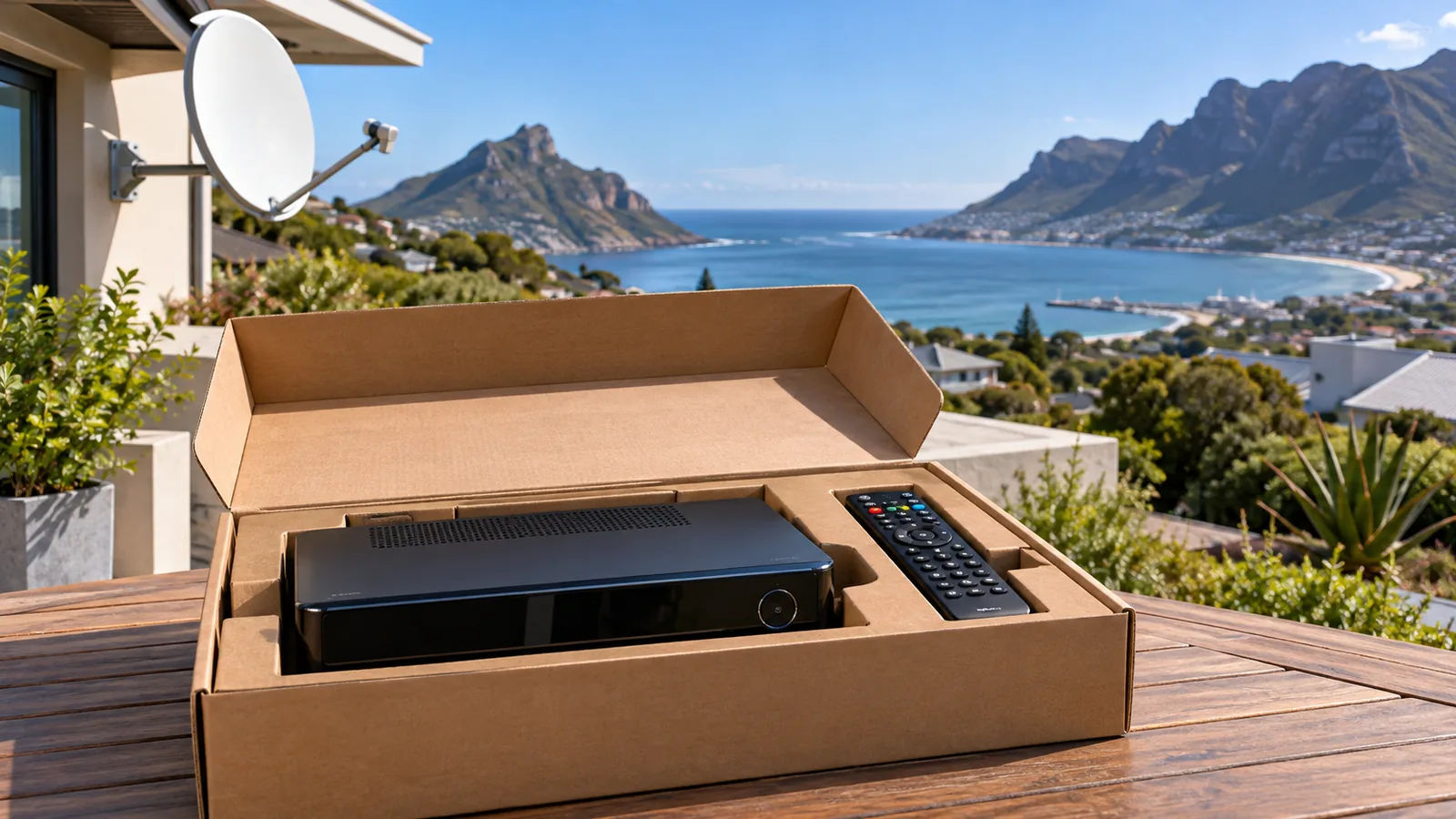
Technician tip
If you plan to carry one decoder between two homes, put a sticky label on each cable end before you unplug. "Dish", "HDMI to TV" and "power". It makes setting up at a dark holiday house at 9pm much quicker.
Moving Your DStv Decoder in Another House: Packing Checklist
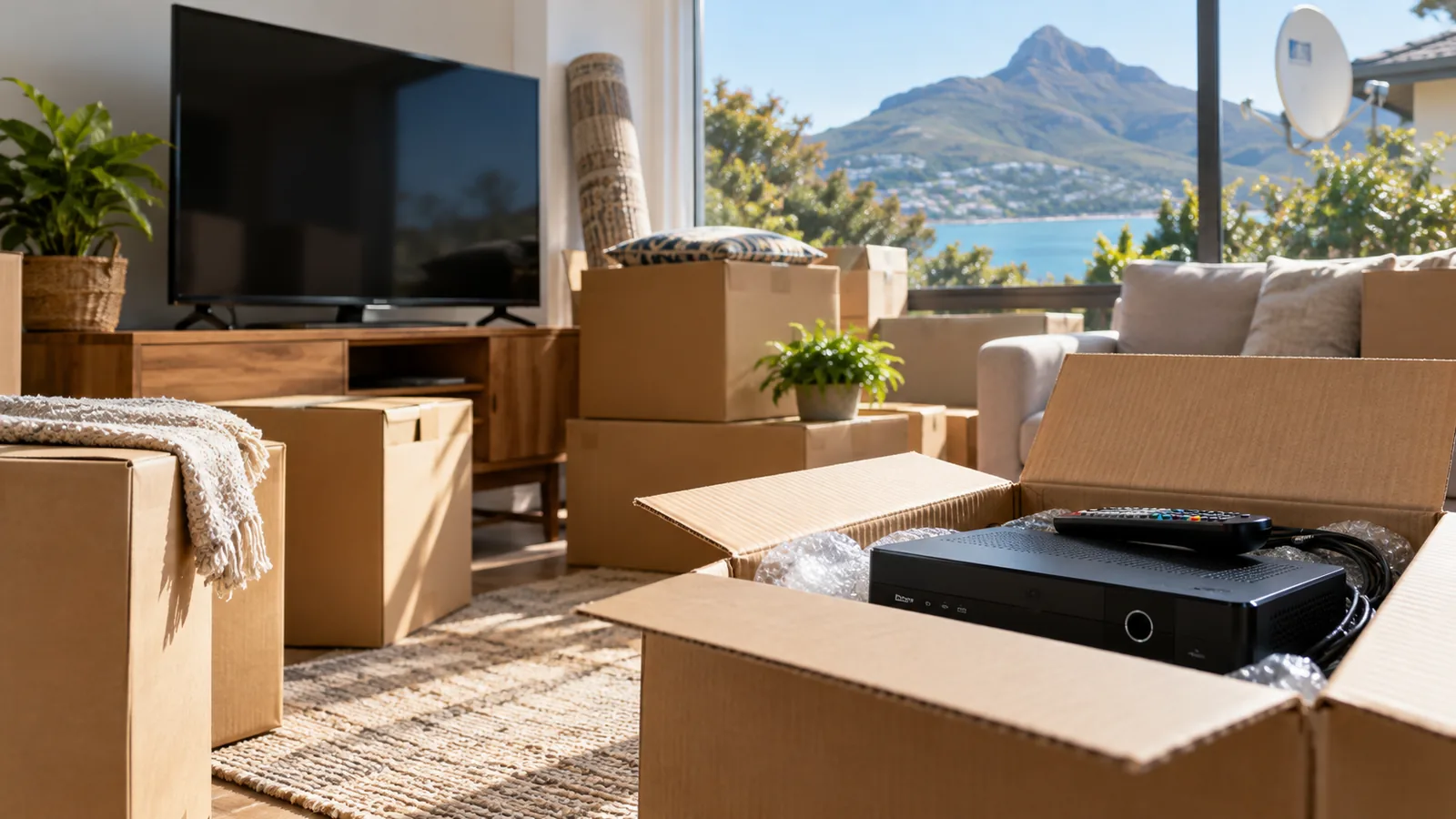
A full move is different from a holiday trip. You are taking everything, and probably not coming back. Before the movers arrive, tick these off.
- Write down your smartcard and decoder numbers, or take a photo of the sticker.
- Pack the decoder, remote, power supply and HDMI cable in one labelled box.
- Keep the Explora upright and padded. It has a hard drive inside.
- Decide whether the old dish comes with you or stays for the next owner.
- Check the new home: is there a dish? Does a cable reach the TV room? If the TV will hang on a wall, plan TV wall mounting in Hout Bay for the same visit.
- Book your DStv relocation early in busy months like December and January.
Old Dish or New Dish for a Hout Bay Home?
People often ask us to take their dish down and put it up again on the new house, so the DStv decoder in another house sees a familiar setup. Sometimes that makes sense. Often, in Hout Bay, it does not.
Salt air is hard on metal. A dish that has spent five years facing the Atlantic in Hangberg or Llandudno may have a rusty bracket and a tired LNB. Moving it costs labour, and it may fail soon after. If the new house already has a dish in good condition, it is often better to reuse that one with a fresh LNB and connectors.
- New house has a good dish: we check it, fit new connectors and align it.
- New house has a rusty dish: replacing the dish is often cheaper in the long run.
- No dish at all: this is a standard new installation.
For that last case, we fit the dish, cable and wall plates in one visit. Slope houses under Chapman's Peak or the Karbonkelberg need a careful site check, because the mountain can block the satellite. Our guide to Hout Bay signal problems explains why some spots on a plot work and others do not.
Need DStv installers in Hout Bay?
Tell us what you need or what your screen is showing. We give you a clear price before we drive out.
DStv Relocation in Hout Bay: What It Costs
Every DStv relocation in Hout Bay is quoted on the job, because the work varies so much. Taking down and refitting a dish between two flat roofs in Scott Estate is a short visit. Moving a three-room XtraView setup to a three-level house on the slopes above Victoria Road is a full day.
As a guide, a standard single-room installation usually budgets around R850 to R1,400 at the time of writing. More complex work, like an Explora with a Smart LNB or long cable runs on a steep roof, usually runs around R1,500 to R2,400. A relocation often lands in a similar range, depending on these factors:
- Whether the old dish is reused or replaced.
- How many TV points and decoders need cabling.
- Roof height, access and how steep the plot is.
- Cable length and wall-mount brackets.
We always quote before we drive out. Our DStv relocation and reconnection service covers the old house, the new one, or both.
Safety first
Taking a dish off a wall means working at height with a heavy, wind-catching object. On Hout Bay roofs, a gust can pull the dish and the person holding it. Please do not do this on your own.
Setting Up Your DStv Decoder in Another House on Arrival
Arrived and unpacked? Here is the order that works best when you plug your DStv decoder in another house for the first time.
- Connect the dish cable to the LNB IN port on the back of the decoder.
- Connect the HDMI cable from the decoder to the TV.
- Plug in the power and switch on. Wait for the decoder to finish starting.
- Open the signal screen in the settings menu and check strength and quality.
- If channels show an error, refresh your services in the MyDStv app or on dstv.com.
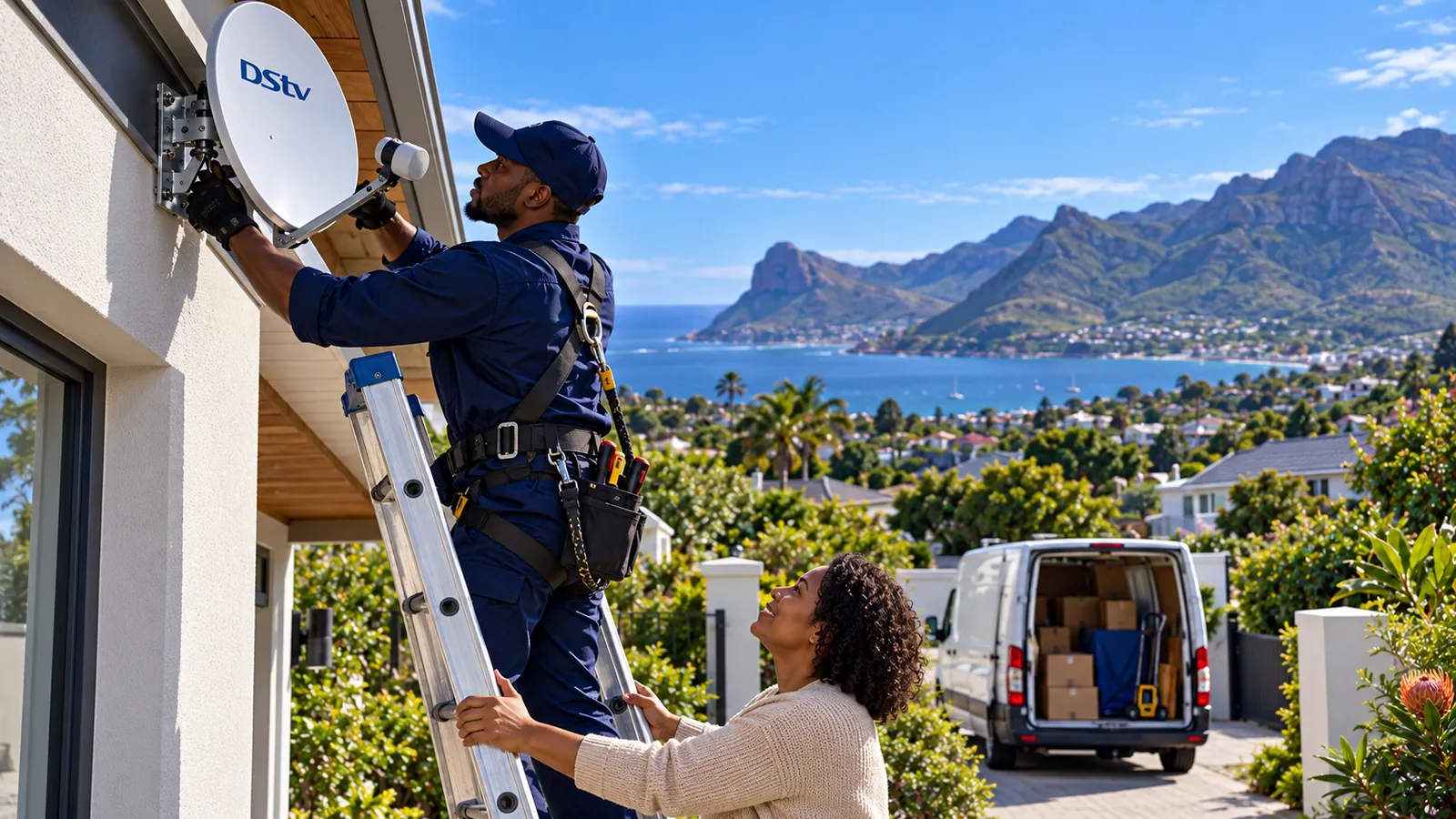
Not sure which port is which? Our guide on connecting DStv cables to the right ports has the full layout.
The usual errors after a move
Most first-night problems with a DStv decoder in another house come down to two messages. An E48-32 message means no signal is reaching the decoder. The dish, cable or connector is the problem. An E16 message means the decoder is not authorised, which usually clears when you refresh it through the app and check your account is paid up.
DStv Reconnection and a DStv Decoder in Another House You Bought
Moving often means paperwork as well as cables. A DStv reconnection is what you need if your account was suspended or cancelled during the move. Pay what is due, then reconnect through the MyDStv app, the website or DStv's WhatsApp service.
Buying a house that comes with a decoder? That DStv decoder in another house is linked to the previous owner's account. They need to release it, or you need to go through DStv's change of ownership process. Without that step, the box will not take your subscription.
Good to know
Selling a holiday home in Hout Bay with DStv included? Tell the buyer which decoder stays and remove it from your account before transfer day. It saves everyone a confusing phone call later.
Moving within a complex
Many complexes around Hout Bay share one communal dish system. Moving from one unit to another in the same complex is usually simple: you plug your decoder into the wall point in the new unit. Some communal systems do not support a Smart LNB, so check with the body corporate before moving an Explora in.

Book Your Hout Bay Move or Holiday Setup
Whether you want a one-off DStv relocation, a second decoder for the holiday house, or a quick DStv reconnection check before guests arrive, we can help. See how our local DStv installers near you work, or browse our main DStv installers in Hout Bay page.
Send us both addresses and your setup on our contact page for moving quotes. We test every TV point with you before we leave, at the old house and the new one.
DStv decoder in another house in Hout Bay: FAQs
Can I use my DStv decoder in another house?
Yes. A DStv decoder is tied to your account, not to an address. It will work at another house if there is a correctly aligned dish, the right cabling and your account is active. An XtraView-linked second decoder is the exception, because it must stay in contact with the main decoder at home.
Can I use my DStv extra view decoder in another house?
No. An XtraView decoder checks in with the main decoder in the same home. If you take it to another house, it loses that link and shows an error. For a holiday home, use your main decoder, a separate decoder set up for holiday viewing, or stream on a smart TV instead.
Will my DStv decoder in another house in Hout Bay work with the dish already there?
Usually, if the dish is in good condition and aimed correctly. Many Hout Bay dishes suffer from salt air, so check for a rusty LNB, corroded connectors or a loose bracket. An Explora also needs a Smart LNB. If the signal reading is low or channels show E48-32, have the dish checked.
How much does a DStv relocation cost in Hout Bay?
Each DStv relocation in Hout Bay is quoted on the job. As a rough guide, standard installations budget about R850 to R1,400 at the time of writing, and complex jobs about R1,500 to R2,400. Reusing the dish, the number of TV points, roof height and cable length all change the price.
Do I need to tell DStv if I move my decoder to another house?
For a short trip with one decoder, you usually do not, as long as the account is paid up. For a permanent move, update your address so billing and support are correct. For a holiday home you visit often, set up DStv's holiday viewing option so your account knows which decoder is where.
Talk to our Hout Bay team
Call or WhatsApp us for a quote. We answer quickly and we always price the job before we arrive.