Home › Blog › Homes, Complexes and Business
Connecting DStv Cables in Hout Bay: Every Port Explained
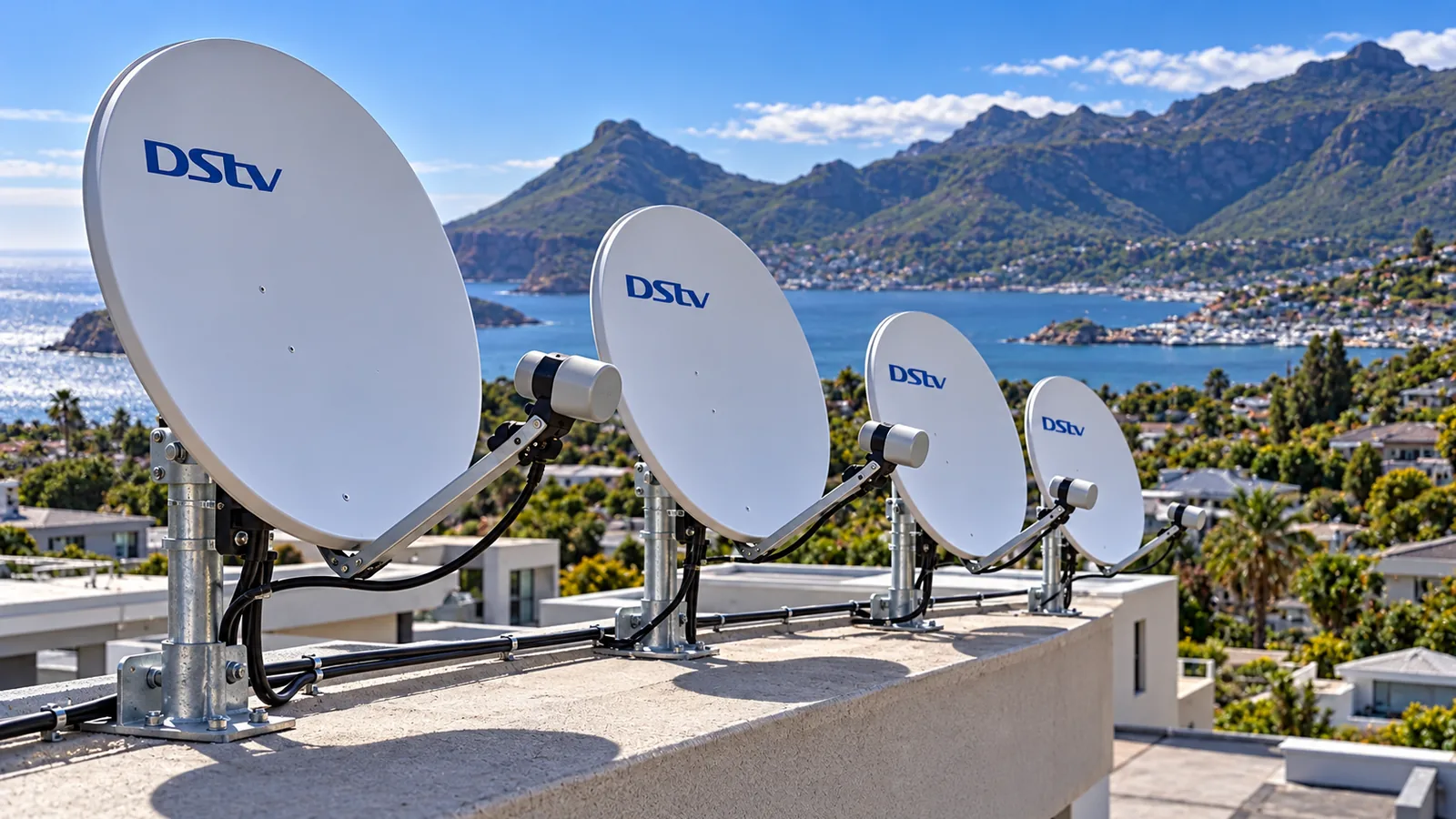
Turn your decoder around and you will find a row of sockets, a tangle of black cable and a few small metal plugs that have started turning green. Living a few hundred metres from the sea in Hout Bay, that green crust matters. Connecting DStv cables properly is half about the right port and half about keeping salt air out of every joint.
Quick answer
Connecting DStv cables takes three links: the coaxial cable from the dish screws into LNB IN, an HDMI cable runs from HDMI OUT to the TV, and the power supply goes in last. Use tight, clean F-connectors on the coax. On the coast, weatherproof every outdoor joint, because corroded connectors cause most signal faults.
DStv Cables Explained: Every Port on a Hout Bay Decoder
Different decoders have slightly different layouts, but the main sockets look much the same. Here is what each one does.
| Port | What plugs in | Do you need it? |
|---|---|---|
| LNB IN (or Satellite IN) | Coaxial cable from the dish | Always |
| HDMI OUT | HDMI cable to the TV | Yes, for any modern TV |
| AV / composite OUT | Red, white and yellow cable to an old TV | Only for very old TVs |
| Ethernet (LAN) | Network cable to your router | For Catch Up and apps |
| RF / link port | Cable used on some older XtraView setups | Rarely, on older systems |
| Power | Decoder power supply | Always, plug in last |
That table is DStv cables explained in one glance. The coax brings signal in, the HDMI sends picture out, and the rest are extras.
Most of the time, connecting DStv cables goes wrong at the first row, not the last. If you have checked every plug and still see an error, our DStv repairs in Hout Bay start with the coax and the dish, where most faults hide.
Connecting DStv Cables Step by Step at Home
Switch the decoder and TV off at the wall before you start. Then work in this order.
- Find the coaxial cable coming from the wall plate or from outside. Check the copper pin in the middle is straight and clean.
- Screw the F-connector onto LNB IN until it is finger tight. Do not use pliers.
- Plug one end of the HDMI cable into HDMI OUT and the other into a free HDMI socket on the TV.
- Connect a network cable to the router if you want Catch Up on an Explora.
- Plug in the power, switch on, and choose the matching HDMI input on the TV.
- Open the signal screen in settings and check that quality is healthy.
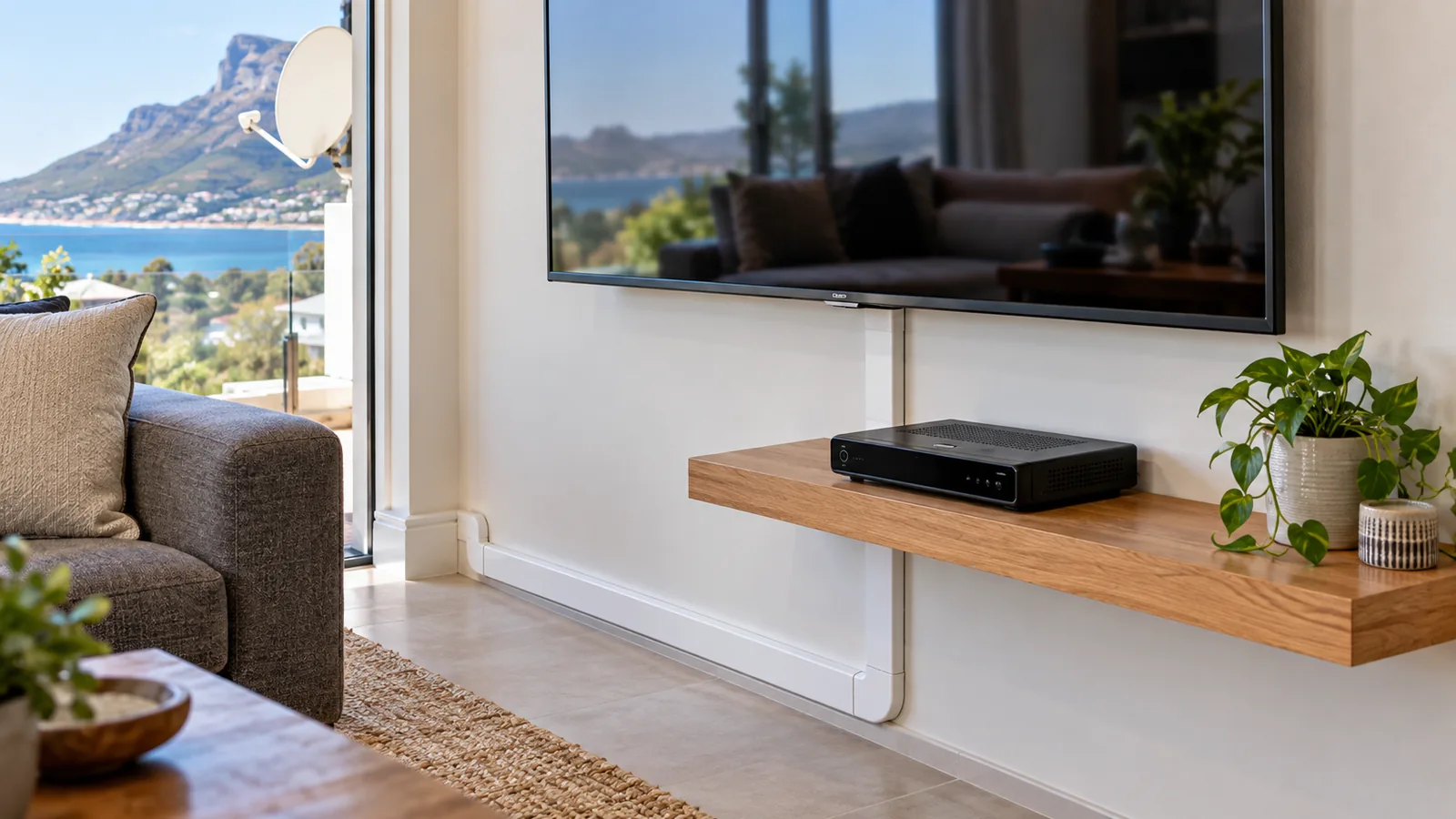
Using a PVR or a second room? Connecting DStv cables for an Explora or XtraView often means an extra feed from the dish, which links to the monthly fee we cover in our plain guide to the DStv Access Fee.
Technician tip
If the picture is fine but there is no sound, or the TV says "no signal" on an HDMI input, swap the HDMI cable before you blame the decoder. Cheap HDMI leads fail more often than people expect.
Connecting DStv Cables Near the Sea: Why Salt Air Kills F-Connectors
The F-connector is the little screw-on plug at each end of the coax. Inside is a thin copper pin and a braided shield. Once salty, damp air gets in, both corrode. The signal weakens bit by bit, then fails completely during the first big storm.
We see it most in homes closest to the water: Hangberg, Northshore, Llandudno and the lower parts of the valley. Strong wind off the Atlantic drives moisture into anything that is not sealed. A good DStv cable connection on the coast needs three things:
- Compression connectors, not cheap twist-on ones.
- Self-amalgamating tape or a weather boot on every outdoor joint.
- A drip loop in the cable, so rain runs off before it reaches the LNB.
If the connectors at your LNB look green or white and crusty, replace them. Cleaning rarely lasts more than a few weeks. When we are connecting DStv cables on a sea-facing house, we also leave a spare connector or two with the owner.
Connecting DStv Cables to a Wall-Mounted TV
Wall-mounted TVs look great until you see four cables hanging under them. The fix is to plan the cables before the bracket goes up.
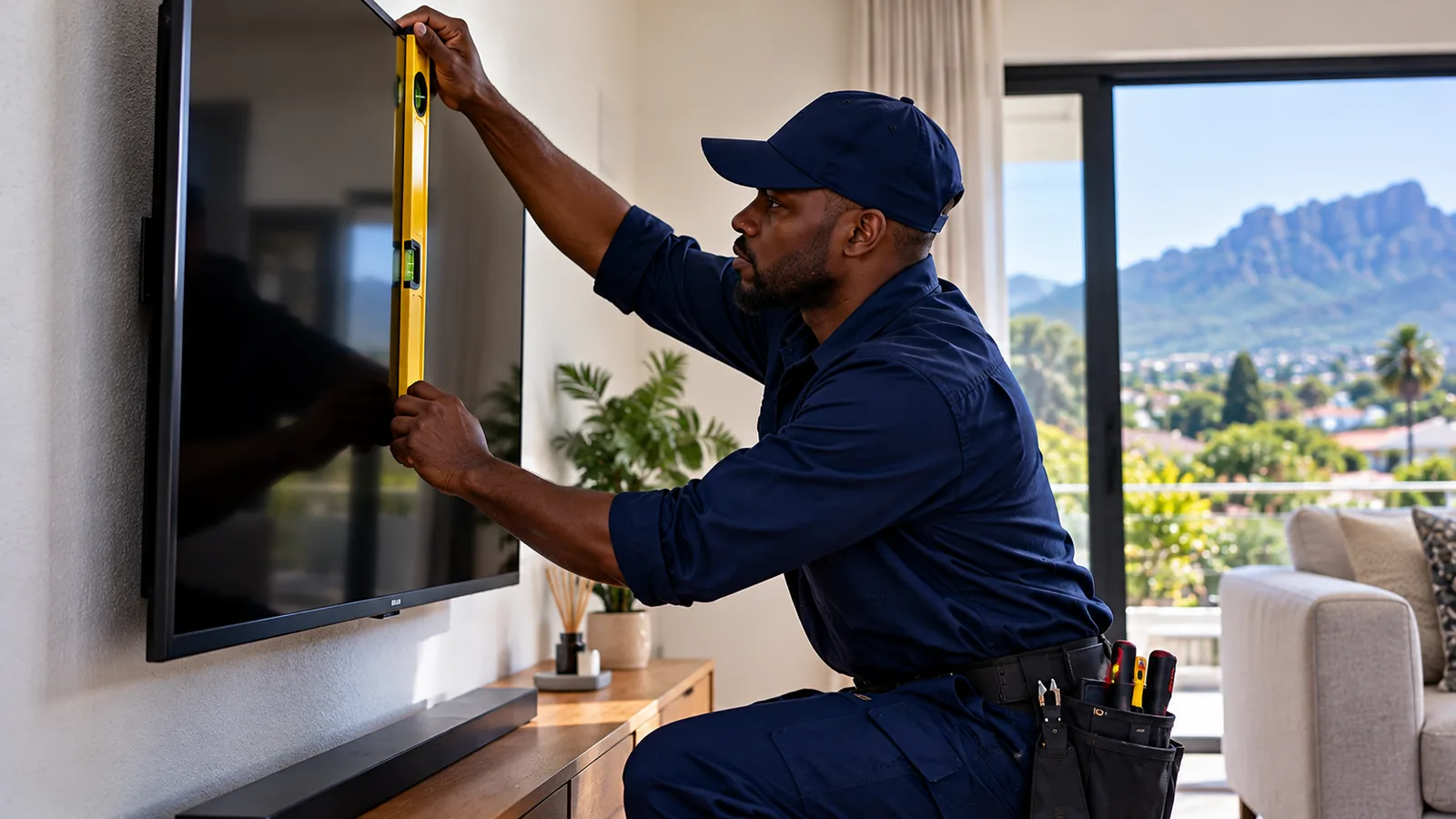
- Run the coax and HDMI inside the wall or in slim trunking painted to match.
- Put the decoder on a floating shelf or in a cabinet below, not behind the TV, so it stays cool and the remote can see it.
- Leave a little slack so the TV can tilt without pulling on the connectors.
Many older Hout Bay homes have solid walls and tricky brick, so our TV wall mounting service in Hout Bay uses the right fixings and hides the cables in the same visit.
Need DStv installers in Hout Bay?
Tell us what you need or what your screen is showing. We give you a clear price before we drive out.
Connecting DStv Cables in Hout Bay Complexes
In a block of flats or a complex, you rarely run a cable from your own dish. Instead, a shared dish on the roof feeds a multiswitch, and each unit gets a wall point. Your job is just connecting DStv cables from that wall point to the decoder.
When one unit loses signal and the neighbours do not, the fault is usually in that unit's cable or wall plate. When everyone loses it at once, look at the roof.
Communal setups have their own rules too. Many do not support a Smart LNB, so an Explora may need a special feed. Moving units in the same block is simple, as we explain in our guide to using your decoder in another house or unit.
Body corporates and managing agents can book our communal DStv systems for Hout Bay complexes for upgrades, new multiswitches and fault finding across the whole building.
Hout Bay Guesthouses and Businesses on the Coast
Guesthouses, B&Bs and restaurants in Hout Bay have different needs from a family home. Guests change channels without care, pull cables, and expect the TV to work every night. A sturdy DStv cable connection in every room matters more than fancy features.
- Lock cables into wall plates so guests cannot pull them loose.
- Label each room's decoder and wall point to speed up repairs.
- Use a commercial subscription where TV is shown in public areas.
We handle commercial DStv for Hout Bay guesthouses and businesses, from single rooms to full multi-room systems with neat, tamper-proof cabling.
TV Aerial vs Satellite Dish: Which Cable Is Which?
With DStv cables explained above, the next mix-up is the aerial lead. The TV aerial vs satellite dish difference starts with what they receive. An aerial picks up free-to-air signals from a ground transmitter. A dish picks up satellite TV from space, pointed at a satellite far above the equator to the north-east.
Both use coaxial cable, but connecting DStv cables and aerial leads happens at different ports. The aerial lead goes into the TV's own antenna socket. The dish cable goes into the decoder's LNB IN. In Hout Bay, mountain shadow from Chapman's Peak and the Karbonkelberg can affect both, so when weighing TV aerial vs satellite dish for a slope house, a site check matters.
DStv Installation in Hout Bay: CCTV, WiFi and Servicing
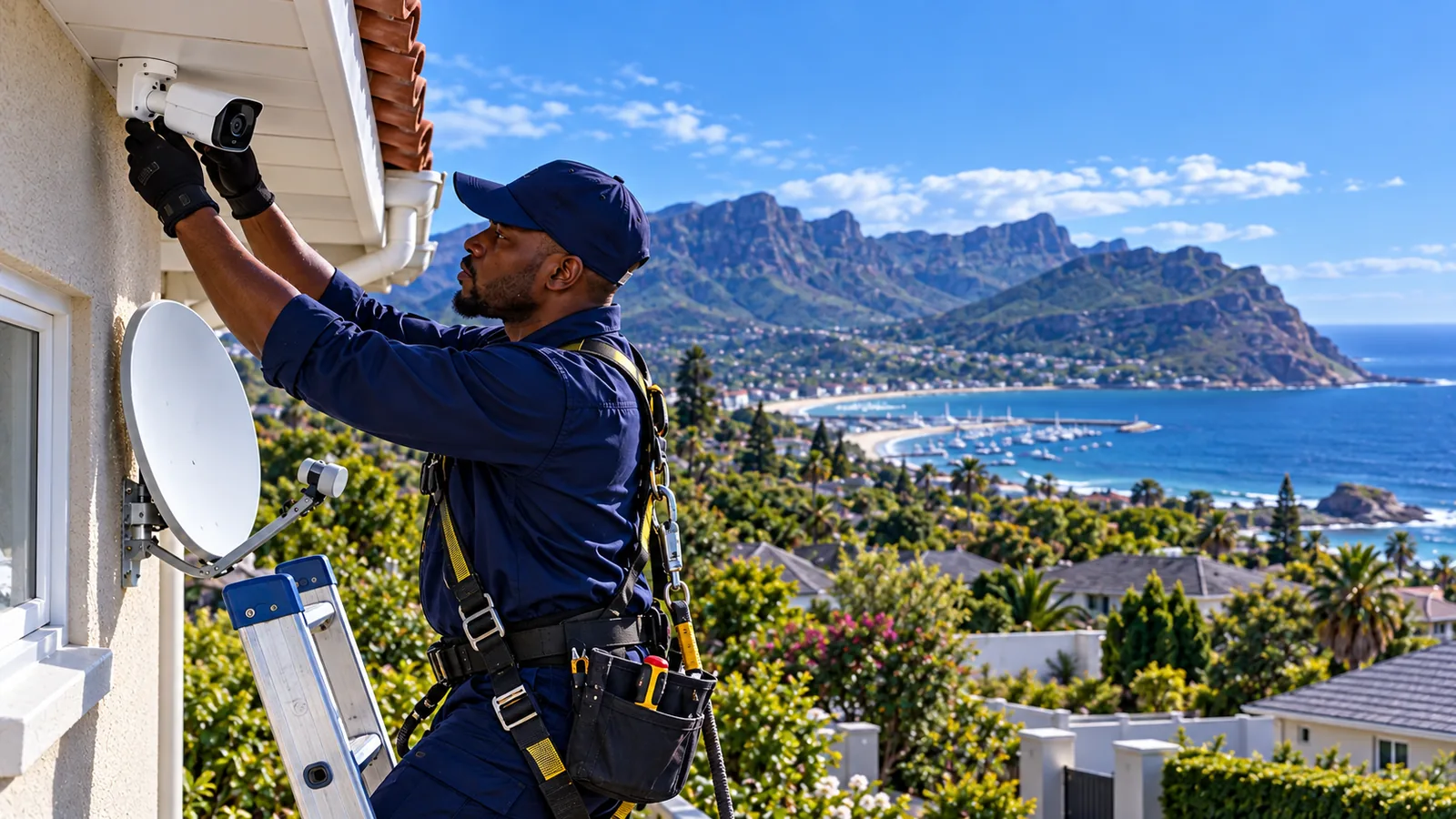
While the cables are open, many owners add other systems. CCTV cameras under the eaves, WiFi access points and network cables can share the same tidy cable routes as the TV. One visit, one set of holes, one neat finish.
Safety first
Most cable faults start on the roof or under the eaves. On steep Hout Bay plots, with wind gusting off the Atlantic, a ladder can kick out without warning. Leave roof and LNB work to a technician with the right equipment.
How often should you service the system? On the coast, we suggest a check every year or two:
- Inspect and replace outdoor connectors if there is any corrosion.
- Check the dish bracket for rust and tighten the bolts.
- Read signal quality with a meter and fine-tune the dish.
- Test every TV point in the house.
A full DStv installation in Hout Bay should last years, but only if the joints stay dry. A quick service before winter saves a no-signal evening in July.
Get Your Cables Sorted by a Local Team
If connecting DStv cables yourself has turned into a mess of plugs and errors, we can sort it out in one visit. See how our local DStv installers near you work, or browse our main page for DStv installation in Hout Bay.
For official decoder help and manuals, visit dstv.com. When you are ready to book, send us a photo of the back of your decoder on our Hout Bay contact page and we will quote first.
connecting DStv cables in Hout Bay: FAQs
Which port do I use when connecting DStv cables to the decoder?
The coaxial cable from the dish goes into the port marked LNB IN or Satellite IN. The HDMI cable goes from HDMI OUT on the decoder to an HDMI socket on the TV. A network cable to the router is optional for Catch Up. Plug in the power last, then select the right HDMI input on the TV.
How do I connect a DStv decoder to a TV without HDMI?
Most decoders still have an AV or composite output. Use the red, white and yellow cable from the decoder's AV OUT to the matching sockets on the TV, then choose the AV input. The picture will be lower quality than HDMI. If your TV has HDMI, always use it instead.
Why does my signal drop after connecting DStv cables in Hout Bay?
In Hout Bay, the most common reason is corrosion. Salt air gets into F-connectors at the LNB and in outdoor joints, and the signal weakens over time. Loose connectors, a bent centre pin or a dish moved by wind are other causes. Replace crusty connectors and seal outdoor joints against moisture.
Is connecting DStv cables different in a Hout Bay complex?
A little. In a Hout Bay complex, a shared dish on the roof feeds each unit through a wall point. You only connect a cable from that wall point to your decoder. If the whole building loses signal, the fault is on the roof and the body corporate should call a technician.
Can I join two DStv cables together?
You can join two lengths of coax with a proper F-connector barrel joint, but every joint loses a little signal and is a place for moisture to get in. Indoors, a good joint is fine. Outdoors on the coast, a single unbroken cable run from dish to wall plate lasts much longer.
Talk to our Hout Bay team
Call or WhatsApp us for a quote. We answer quickly and we always price the job before we arrive.