OpenView Activation in Hout Bay: 5 Steps Plus Adding Channels
You have just carried a new OpenView box home from the shops in Hout Bay, plugged it in, and the TV says the decoder is not active. Do not panic. OpenView activation takes about ten minutes, it is free, and once it is done you can add or rescan channels from the remote in a few more.
Quick answer
OpenView activation is free and done with your decoder's details on openview.co.za, the OpenView app or OpenView's WhatsApp line. Leave the decoder on and tuned while you register. Channels usually appear within minutes. If they do not, run a channel scan from the menu, then check the dish signal before calling for help.
Your OpenView Activation Checklist in Hout Bay
Get these ready first. It saves a lot of going back and forth between the TV and your phone. Our team handles satellite TV installation in Hout Bay every week, and missing details are the top reason first attempts stall.
- The decoder connected to the dish cable and to the TV with HDMI.
- The decoder switched on and showing the setup or activation screen.
- The decoder's serial number and smartcard or chip ID. You find them on a sticker underneath and on the screen.
- Your ID number or passport number, plus a cellphone number for the SMS.
- A phone with data or WiFi.
If the TV shows "no signal" before you even start, OpenView activation will not help yet. The decoder needs to see the satellite first. Skip down to the signal section and come back.
No dish on the house yet? Our OpenView installation service in Hout Bay fits the dish, runs the cable and leaves the decoder ready to register.
OpenView Activation in 5 Steps
OpenView offers three routes: the website, the app and WhatsApp. They all ask for the same details. Here is the process using your phone.
- Power up. Switch on the TV and decoder and choose the right HDMI input. Leave the box on for the whole process.
- Find your details. Note the serial number and chip ID shown on screen or under the decoder.
- Register. Go to openview.co.za, open the OpenView app, or message OpenView on WhatsApp, and choose the activation option.
- Enter your information. Type in the decoder details, your name, ID number and cellphone number, then confirm the OTP sent by SMS.
- Wait on a channel. Leave the decoder on a channel such as e.tv. Activation normally comes through within minutes, sometimes longer at busy times.
How to activate OpenView TV with phone only
Many people ask how to activate OpenView TV with phone only, with no laptop. The WhatsApp route is the easiest: save OpenView's official WhatsApp number from openview.co.za, send a greeting, and follow the menu.
The app works the same way. Either way, you never pay for OpenView activation.
Good to know
OpenView is free to watch, so nobody should charge you to activate it. If someone on social media offers paid "activation codes", ignore them. Only use the official OpenView channels listed on openview.co.za.
How to Add Channels on OpenView After Activation
Once the decoder is active, you may find some channels missing, or OpenView may launch a new channel later. This is where knowing how to add channels on OpenView helps. You do it with a scan.
- Press the Menu button on the OpenView remote.
- Go to the installation or settings section.
- Choose the automatic channel scan (sometimes called search or rescan).
- Wait for the progress bar to finish. Do not switch off during the scan.
- Save the results and go back to live TV.
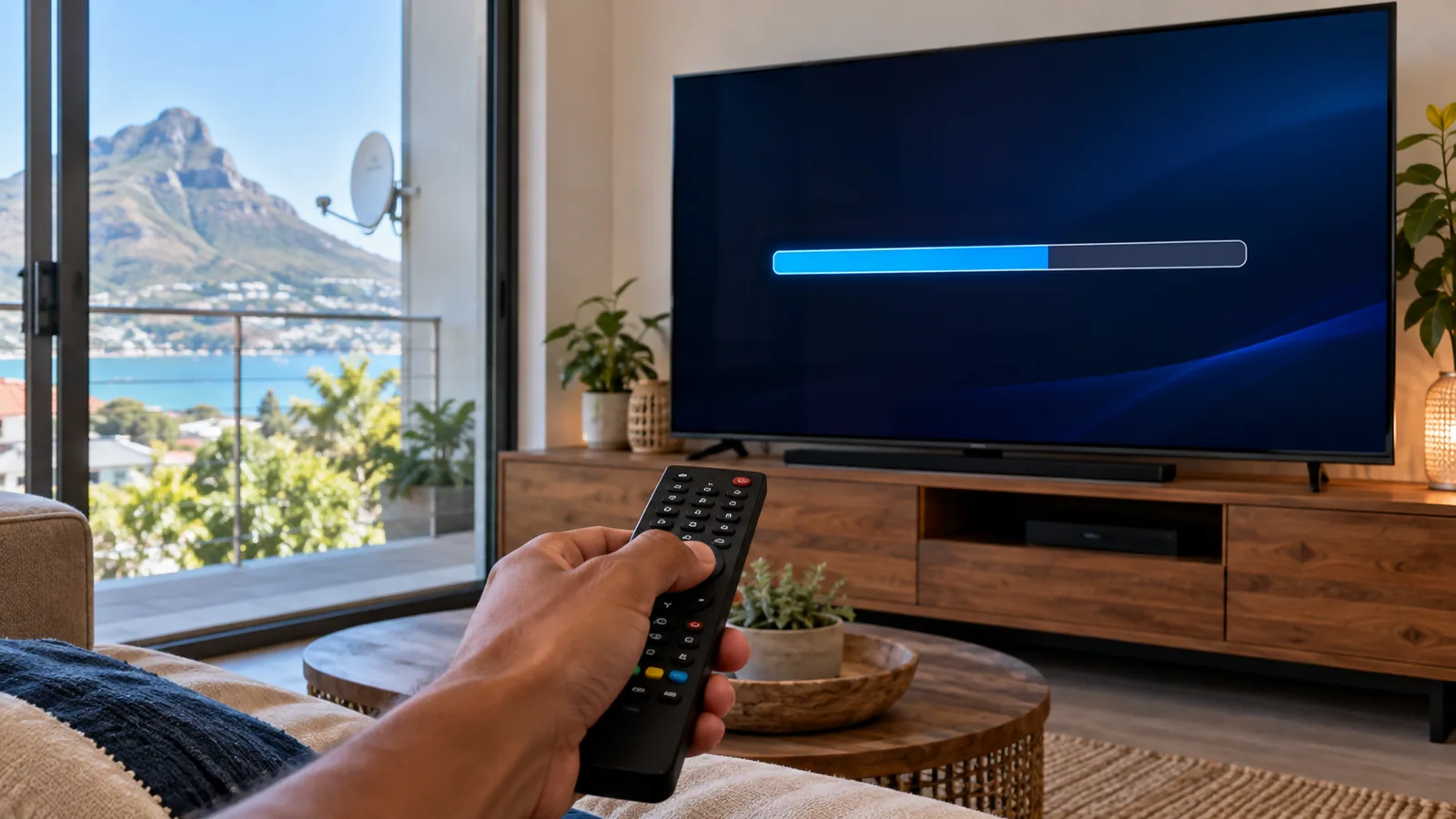
That is how to add channels on OpenView in most cases. If the scan finishes and finds nothing, the problem is the signal, not the menu, and a satellite TV repair visit in Hout Bay is the next step.
The OpenView channel list
At the time of writing, OpenView carries more than 20 TV channels plus radio stations. These include e.tv, eToonz, eReality, eExtra, eMovies and StarLife, with some in HD. The exact line-up changes from time to time, so check the guide on the official site.
OpenView Activation for Hout Bay Rentals and Holiday Homes
Hout Bay has a lot of granny flats, backyard cottages and holiday lets. OpenView suits them well, because there is no monthly bill to track when the unit stands empty between guests.
A few habits make life easier for landlords and owners:
- Register the OpenView activation in the owner's name, not a tenant's, so the details stay with the property.
- Leave a printed card next to the TV explaining how to run a channel scan.
- Keep the decoder's serial number and chip ID in your phone notes, in case it ever needs to be re-activated.
- Unplug the decoder during long empty spells to protect it from power surges.
Families in the main house often pair this with DStv for sport, while the cottage runs on free channels. If you are weighing up a cheap DStv tier for the main house, see our notes on the lowest-cost DStv options in 2026.
Need DStv installers in Hout Bay?
Tell us what you need or what your screen is showing. We give you a clear price before we drive out.
OpenView Signal Problems in Hout Bay
Hout Bay is a beautiful place for TV signal to go wrong. The satellite sits high in the north-eastern sky, and the valley is ringed by mountains. Homes close under Chapman's Peak or the Karbonkelberg can lose part of that view. Add the Atlantic wind and the salt air, and the coast does its best to knock dishes off line.
The most common OpenView signal problems we see around Hangberg, Imizamo Yethu, Northshore and Llandudno are:
- A dish knocked slightly out of line by strong wind.
- Rusty or loose connectors from salt air, often at the LNB on the arm of the dish.
- A tree or new building growing into the line of sight.
- Brief loss in very heavy rain, which clears when the weather does.
- A cheap, thin cable that lets moisture in over time.
Many of these are the same faults DStv owners face, because both services share the same satellite position. Our guide on signal problems in Hout Bay walks through each one. If the dish has moved, a proper satellite dish alignment in Hout Bay with a signal meter is the real fix.
Safety first
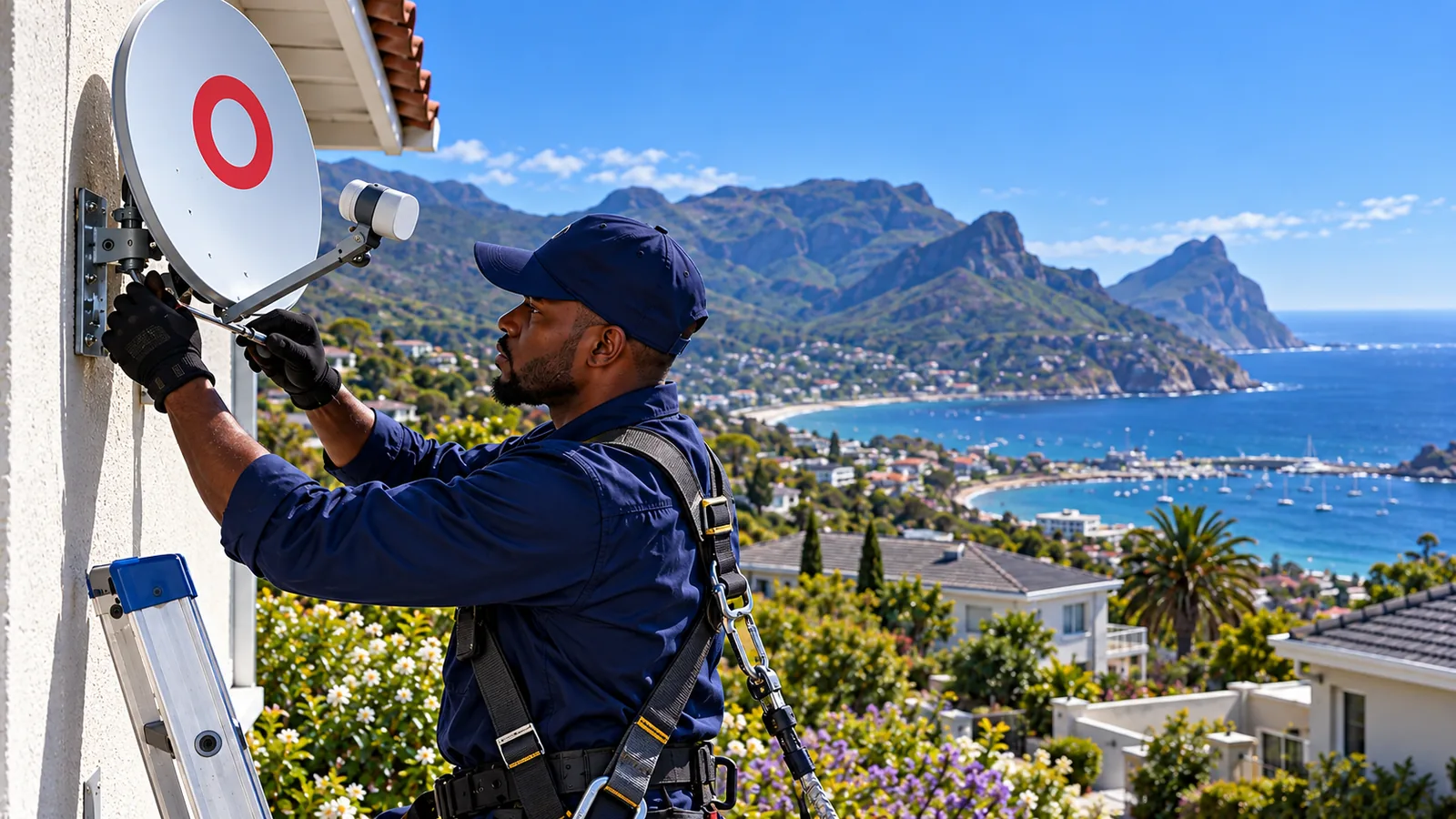
Many Hout Bay dishes sit on high walls or steep roofs. Do not climb up in wind or wet weather to adjust a dish. A fall from a slope house roof is a serious injury, and a guessed alignment rarely holds.
OpenView Activation Problems and Quick Fixes at Home
Sometimes the OpenView activation goes through but the TV still shows a message. Work through this table before you phone anyone.
| What you see | Likely cause | What to try |
|---|---|---|
| "Not activated" after registering | The signal has not reached the box yet | Leave it on e.tv for 15 to 30 minutes |
| No signal | Dish, cable or connector fault | Check cables, then book alignment |
| Some channels missing | Old channel list | Run an automatic scan |
| Picture freezes in wind | Dish loose or slightly off line | Have the bracket and alignment checked |
| Remote does nothing | Flat batteries or blocked sensor | Replace batteries, try the front buttons |
Technician tip
Look at the signal quality reading in the decoder menu, not just strength. Quality is what keeps the picture clean. On the coast, a reading that drops each time the wind gusts means the dish is moving, even if you cannot see it.
OpenView Decoder Price and Installation Costs
At the time of writing, the current WiFi-enabled OpenView decoder costs R799 on openview.co.za, with retail specials from around R599. A decoder sold with an installation voucher, which covers a dish and fitting, comes to about R1,699. The recommended dish size is around 80 to 85cm.
For a smooth OpenView installation, Hout Bay homeowners often get the dish fitted and the OpenView activation done in one visit. That visit includes mounting, weatherproofing, alignment, the first scan and a test with you before we leave.
Reusing a DStv dish for OpenView
OpenView uses the same satellite position as DStv, so an existing DStv dish can often be reused. It is a good option when you have cancelled DStv but the dish is still on the wall. A technician checks the LNB and cable first, because coastal rust may have done damage. On a sound dish, an OpenView installation in Hout Bay can be quick and cheaper than starting from scratch.
OpenView vs DStv for Hout Bay Households
They look alike on the wall, but they are different services with different decoders. Here is the plain comparison.
- OpenView: no monthly fee, no contract, around 20+ channels. Ideal for news, soapies, movies and kids' channels on a tight budget.
- DStv: monthly subscription, far more channels, live sport and recording options.
Rentals and holiday homes in Hout Bay often run OpenView in the cottage and DStv in the main house. For official details on OpenView itself, visit the OpenView website.
Book OpenView Help in Hout Bay
If OpenView activation has you stuck, or the dish needs a fresh line-up after a windy week, our team can help. Find out how our local installers near you in Hout Bay work, or send us a message on our contact page.
We quote before we drive out, and we test every channel with you before we pack up.
OpenView activation in Hout Bay: FAQs
How long does OpenView activation take?
Most decoders activate within a few minutes of registering, as long as the box is switched on and tuned to a channel such as e.tv. At busy times it can take longer. Leave the decoder on for 15 to 30 minutes. If it still shows "not activated", check the signal reading in the menu before trying again.
Is OpenView activation free?
Yes. OpenView activation costs nothing, and there is no monthly fee or contract afterwards. You only pay for the decoder and, if you need one, the dish and installation. Never pay anyone for an activation code. Use only the official website, app or WhatsApp line listed on openview.co.za.
Can I do OpenView activation with my phone in Hout Bay?
Yes. In Hout Bay or anywhere in South Africa, you can activate OpenView with only your phone. Use the OpenView app or the official WhatsApp line from openview.co.za. Have the decoder serial number, chip ID, your ID number and cellphone number ready, and keep the decoder on while you register.
Why is my OpenView not showing channels after activation?
If the decoder is active but channels are missing, run an automatic channel scan from the Menu under installation or settings. If the scan finds nothing, the decoder is not getting signal. That usually means a moved dish, a rusty connector or a damaged cable. A technician with a signal meter can find the fault quickly.
Can I use my old DStv dish for OpenView in Hout Bay?
Often, yes. OpenView uses the same satellite position as DStv, so a DStv dish in Hout Bay can usually be reused. Salt air does damage LNBs and connectors over time, so have the LNB, cable and alignment checked first. On a sound dish this is often quicker and cheaper than a new install.
Talk to our Hout Bay team
Call or WhatsApp us for a quote. We answer quickly and we always price the job before we arrive.