DStv Remote Control Not Working? 9 Fixes for Hout Bay Homes
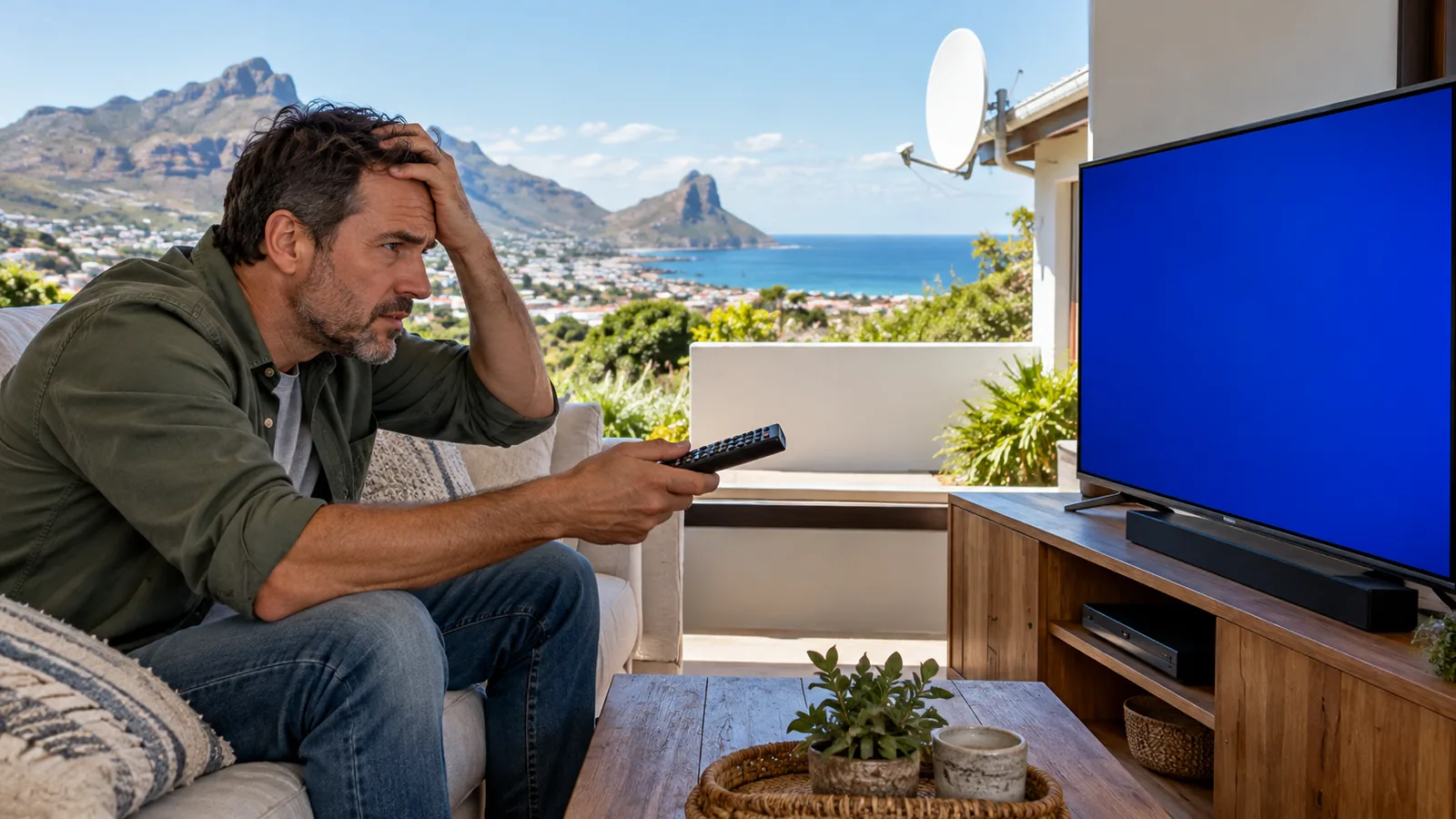
The rugby is about to start, everyone is on the couch, and a DStv remote control not working is suddenly the only thing anyone in the house cares about. Take a breath. In most Hout Bay homes we visit, this turns out to be something small, and you can usually sort it out in a few minutes without calling anyone.
Quick answer
For a DStv remote control not working, fit fresh batteries, clear the path to the decoder, then restart the decoder at the wall. Explora Ultra remotes use Bluetooth and may need re-pairing. If the decoder ignores its own buttons too, or shows an error code, the problem is the decoder or signal, not the remote.
We are DStv specialists in Hout Bay, and we have laid this out like a calm checklist. Start at Fix 1 and stop as soon as things work. Further down, we cover a freezing picture and the error codes that often appear at the same time.
DStv remote control not working? First test remote vs decoder
Before you spend money on a new remote, find out which part is actually at fault. This two-minute test saves a lot of guessing.
- Look at the front of the decoder. Are any lights on?
- Press a button on the decoder itself, such as channel up, if your model has one.
- If the decoder responds, the decoder is fine and the remote is the problem.
- Open your phone camera, point the remote at the lens and press a button. A flicker of light on the screen means an infrared remote is sending.
No flicker? The remote is not sending at all, so start with batteries. This is the most common DStv remote not working story we hear.
Flicker but no response? The decoder is not hearing it, so look at line of sight and pairing.
Good to know
The phone camera trick only works on infrared remotes. Explora Ultra remotes mainly use Bluetooth, so you may see nothing on camera even when they are fine.
Fixes 1 to 3 for a DStv remote control not working in Hout Bay
Fix 1: Fresh batteries, the right way round
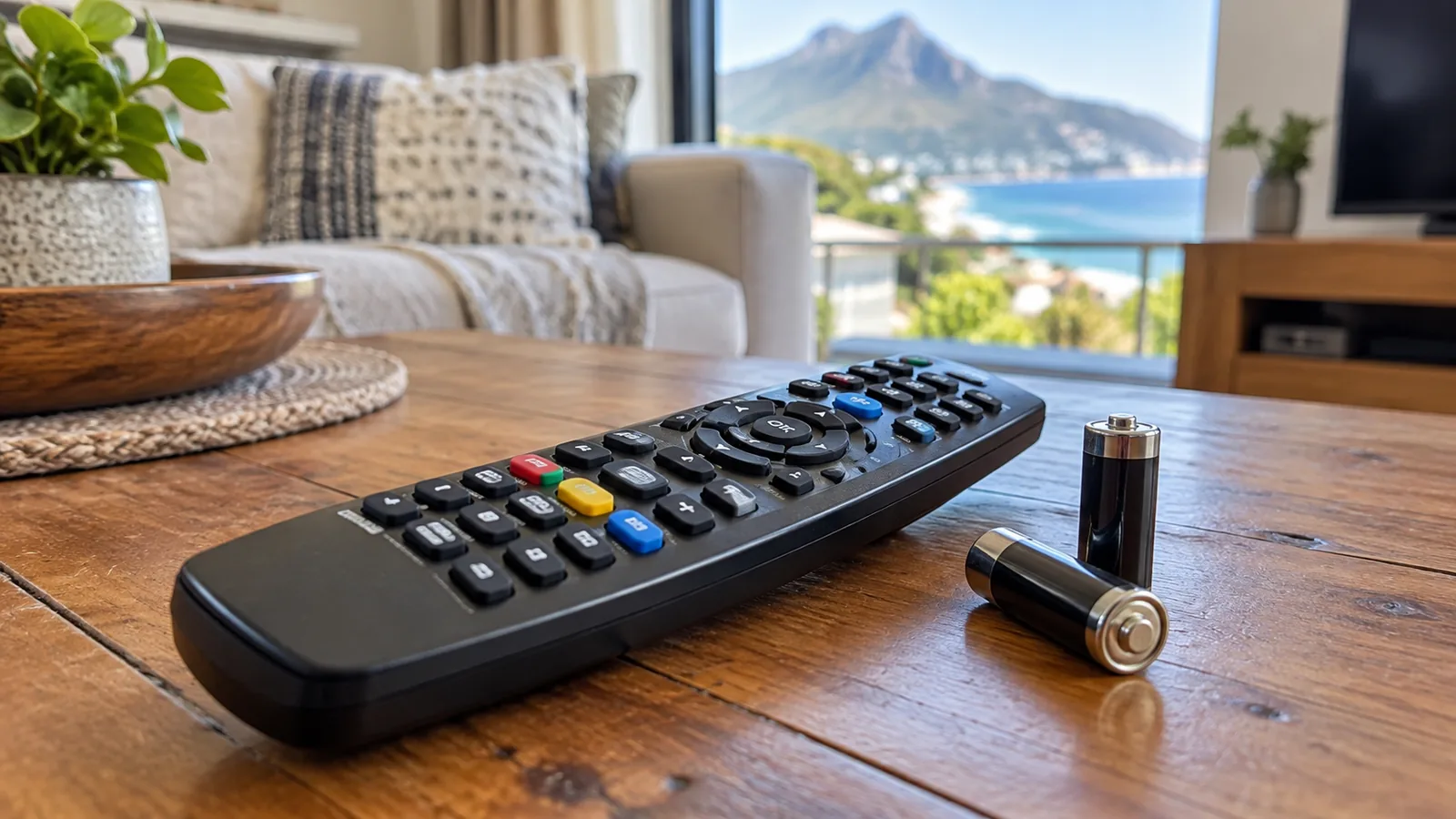
Weak batteries are the top cause of a DStv remote control not working. Do not borrow half-used ones from a toy. Fit two new alkaline batteries, check the plus and minus marks, and clean any white powder off the springs with a dry cloth.
Fix 2: Clear the line of sight
Infrared needs a clear path to the front of the decoder. A new soundbar, a vase, a pile of books or a glass cabinet door can block it. Bright afternoon sun through west-facing windows, common in Hout Bay homes facing the bay, can also confuse the sensor.
Fix 3: Restart the decoder at the wall
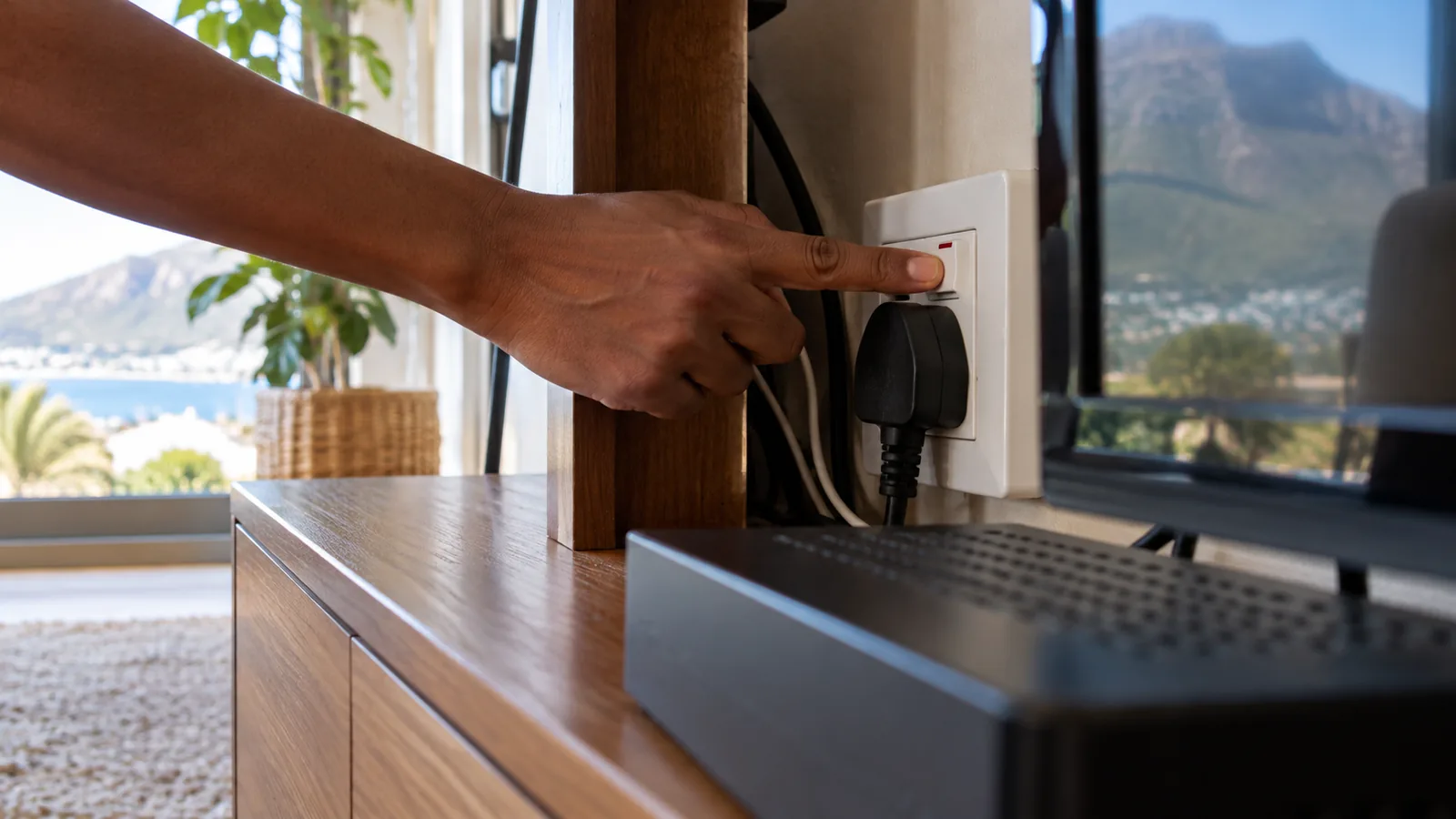
Switch the decoder off at the plug, wait a full minute and switch it back on. Give it a few minutes to start fully. This clears many small glitches, especially after load shedding.
Safety first
Behind TV cabinets you often find crowded multi-plugs and old extension leads. Switch off at the wall before pulling plugs, never with wet hands, and replace any plug or lead that looks scorched or feels hot.
Fixes 4 to 6: DStv remote control not working after pairing or a TV swap
Fix 4: Know which remote you have
Older HD and Explora remotes use infrared, which needs line of sight and no pairing. The Explora Ultra comes with a Bluetooth remote that works from another angle but must stay paired. DStv says remotes shipped with all Exploras also work on the Explora Ultra, which is handy if you have a spare.
In homes with XtraView linking two decoders, keep each remote with its own box so they do not get swapped.
| Remote type | Usually found with | Needs line of sight? | Needs pairing? |
|---|---|---|---|
| Infrared (IR) | HD Single View, Explora | Yes | No |
| Bluetooth | Explora Ultra | No | Yes |
| Streama remote | Streama | Depends on model | Yes |
Fix 5: Re-pair a Bluetooth remote
If an Explora Ultra remote stops responding after new batteries, it has probably lost pairing. Stand close to the decoder and follow the pairing steps in the decoder menu or on the DStv help pages on dstv.com. Pairing usually means holding two buttons together until the remote's light flashes.
Fix 6: How to fix TV remote not working for volume and power
If channels change but volume does not, you have a DStv remote control not working with the TV, not with the decoder. The remote has to be set up with your TV brand. Searching how to fix TV remote not working usually points to this same step.
For volume, the steps are simple. Run the TV setup on the remote again, enter or search for your brand's code, then test volume and power.
Technician tip
After a TV swap or factory reset, the TV pairing nearly always drops. Before you buy a new remote, try the TV volume buttons. If those work, simply redo the remote's TV setup.
Need DStv installers in Hout Bay?
Tell us what you need or what your screen is showing. We give you a clear price before we drive out.
Fixes 7 to 9: DStv remote control not working even after all that?
Fix 7: Check for damage and salt
Remotes in seaside homes live a hard life. Damp, salty air and sticky fingers can corrode the contacts under the buttons. If only some buttons work, or you must press hard, the keypad is wearing out.
Fix 8: Try a spare or a replacement remote
If a known-good remote works first time, your old one is finished. A DStv remote not working only on some buttons is a sure sign. Replacement remotes are sold by DStv and retailers. Make sure it matches your decoder type.
Fix 9: Rule out the decoder
If the decoder ignores its own buttons, freezes on a black screen or keeps restarting, the remote is innocent. That is a decoder fault and needs checking. A DStv remote control not working alongside a dead front panel almost always means a power or decoder problem.
DStv picture freezing in Hout Bay: not always the remote
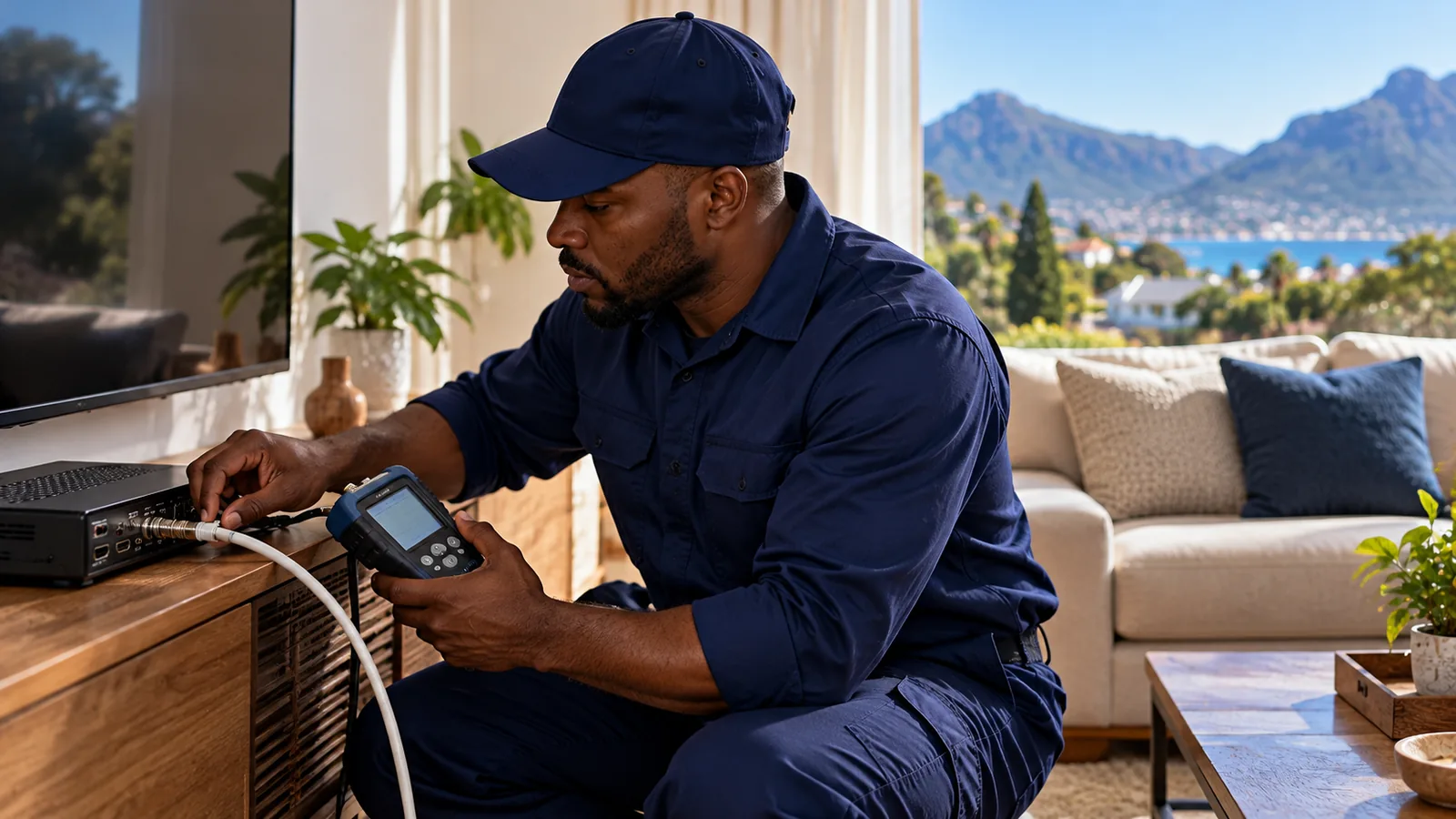
Many callers report a DStv remote control not working when the picture is actually frozen. Pressing buttons does nothing because the decoder has lost the signal, a pattern our Hout Bay DStv repair technicians see after every big storm. DStv picture freezing and pixelating usually comes from the dish side, and Hout Bay's weather makes that more likely.
- Heavy rain passing over the valley causes short drop-outs called rain fade.
- Wind off the Atlantic can shift a loosely fixed dish a few millimetres, enough to cause freezing.
- Salt corrosion on connectors weakens the signal until it breaks up.
- Mountain shadow from the Karbonkelberg leaves some homes with little signal margin.
If DStv picture freezing happens on every channel and lasts beyond a passing shower, read our guide to DStv signal problems in Hout Bay. On Explora setups, a corroded LNB is a common cause, which we cover in our article on the Smart LNB and coastal corrosion.
Error codes that look like a remote fault
An error message on screen means the decoder is working and talking to you, even if it feels like the DStv remote control not working is the issue. Here is what the common ones mean.
| Code | What it means | What to try |
|---|---|---|
| E48-32 | No signal reaching the decoder | Check cables, wait out heavy rain, then call for a dish check |
| E30-2 | Temporary signal loss, often bad weather | Wait for the weather to clear |
| E16 (for example E16-4) | Service not active on this decoder | Check the account is paid, then re-authorise on the MyDStv app or dstv.com |
| E51 | Decoder cannot read the smartcard | Remove the card, clean the chip gently, reinsert the right way round |
| E141-4 | Smartcard cannot be verified as paired | Contact DStv self-service to check pairing |
If you see E16 after adding a second decoder, it can relate to linking and fees. Our page on how the DStv Access Fee works explains when linked decoders need it.
After load shedding or a power surge in Hout Bay
Power cuts and surges are rough on electronics. After the power returns, a DStv remote control not working is often the first thing you notice: the decoder may sit on a frozen screen, ignore the remote or restart over and over.
- Switch off at the wall for one minute, then restart
- Check that the HDMI cable is still pushed in firmly
- Look for a scorched smell or a dead power light, which point to a damaged power supply
- Fit a surge protector plug for the decoder and TV
- If the decoder keeps rebooting after a surge, stop restarting it and get it checked
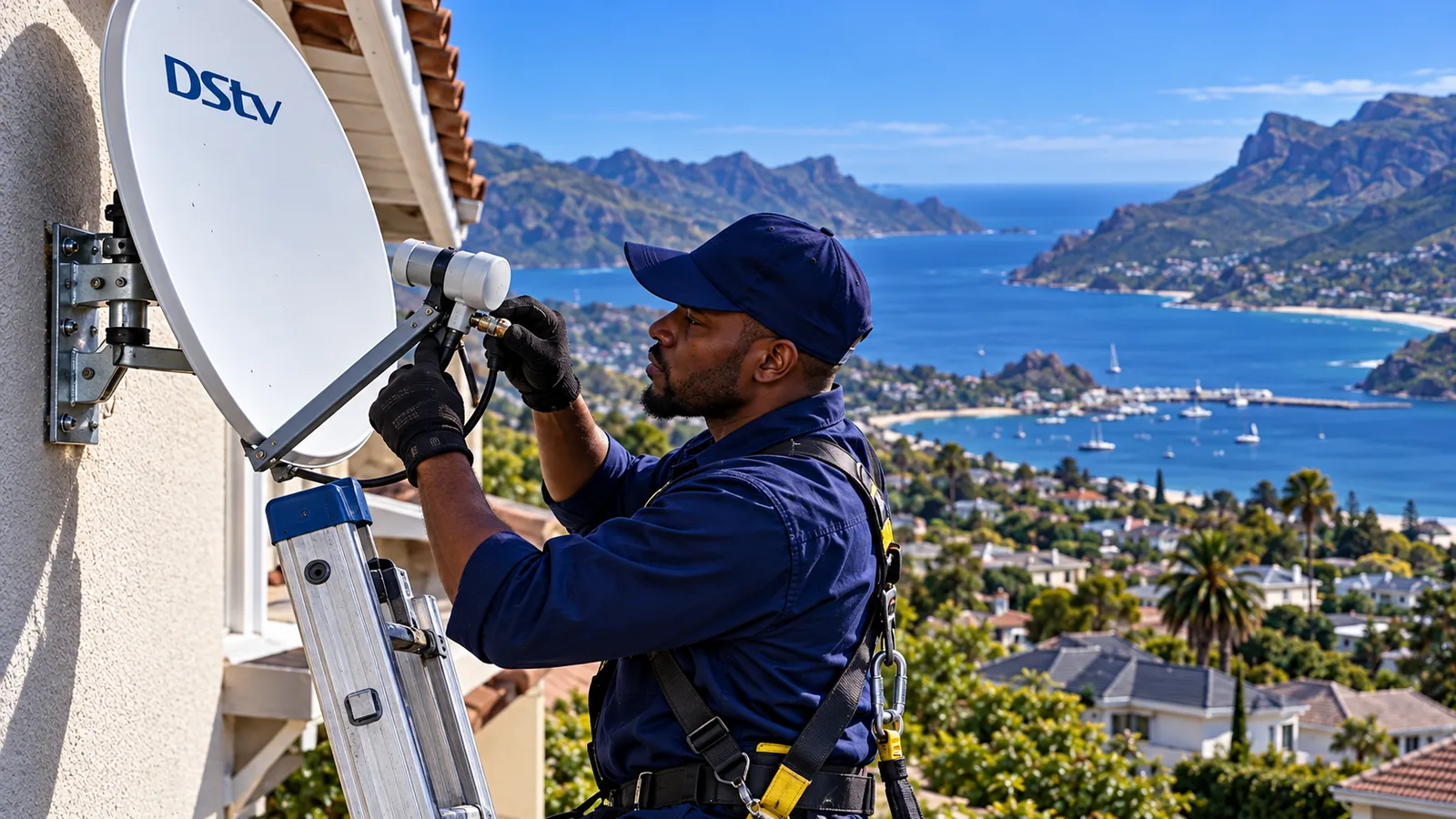
When to call for DStv repairs in Hout Bay
Call us when a DStv remote control not working comes with a decoder that will not turn on, keeps rebooting, shows E48-32 on clear days, or freezes on every channel. Those are not remote problems. Our team handles DStv repairs in Hout Bay and nearby Llandudno, Hangberg and Imizamo Yethu, and we test at the dish as well as the TV.
If the dish has been pushed out of line by wind, a dish alignment for Hout Bay homes usually fixes the freezing for good. As a local team, we quote first and fix what is actually broken.
Still stuck? Talk to our Hout Bay team
If you have worked through all nine fixes and you still have a DStv remote control not working, or the screen keeps freezing, we can help. Reach our Hout Bay technicians for a quick quote and a visit, often the same or next day, depending on the schedule.
DStv remote control not working in Hout Bay: FAQs
Why is my DStv remote control not working with new batteries?
If fresh batteries do not help, check that they are fitted the right way and that the springs are clean. Then clear anything blocking the decoder's front panel and restart the decoder at the wall. Explora Ultra remotes use Bluetooth and may need re-pairing. If the decoder ignores its own buttons, the decoder is at fault.
How do I fix a DStv remote control not working in Hout Bay?
Test the remote with your phone camera to see if it sends a signal. If it does, clear the line of sight and restart the decoder. For an Explora Ultra Bluetooth remote, re-pair it close to the decoder using the steps in the menu or on dstv.com. A spare remote quickly shows whether yours has failed.
Why is my DStv remote volume control not working?
Volume is controlled by your TV, not the decoder, so the remote must be set up with your TV brand. If channels change but volume does not, the TV pairing has dropped. Run the TV setup on the remote again, enter or search for your TV's code, and test volume and power.
Why does my DStv picture keep freezing in Hout Bay?
In Hout Bay, freezing is usually caused by weak signal rather than the remote. Heavy rain, wind shifting the dish, salt-corroded connectors and mountain shadow are the common causes. If the freezing lasts beyond a passing shower and affects every channel, have the dish and connectors checked by a technician.
Is my DStv remote control not working because of load shedding?
Load shedding does not damage the remote, but it can leave the decoder in a confused state. Switch the decoder off at the wall for a minute and restart it. If a surge damaged the decoder, it may not respond to the remote at all, show no power light or keep rebooting.
Where can I get DStv repairs in Hout Bay?
Our local team does DStv repairs in Hout Bay, Llandudno and nearby areas. We check the decoder, cabling, LNB and dish alignment, and we quote before we drive out. Call or WhatsApp us when the decoder will not start, keeps rebooting or shows signal errors on clear days.
Talk to our Hout Bay team
Call or WhatsApp us for a quote. We answer quickly and we always price the job before we arrive.