Home › Blog › Streaming and Internet
DStv Stream vs Decoder: Which Suits Your Hout Bay Home?
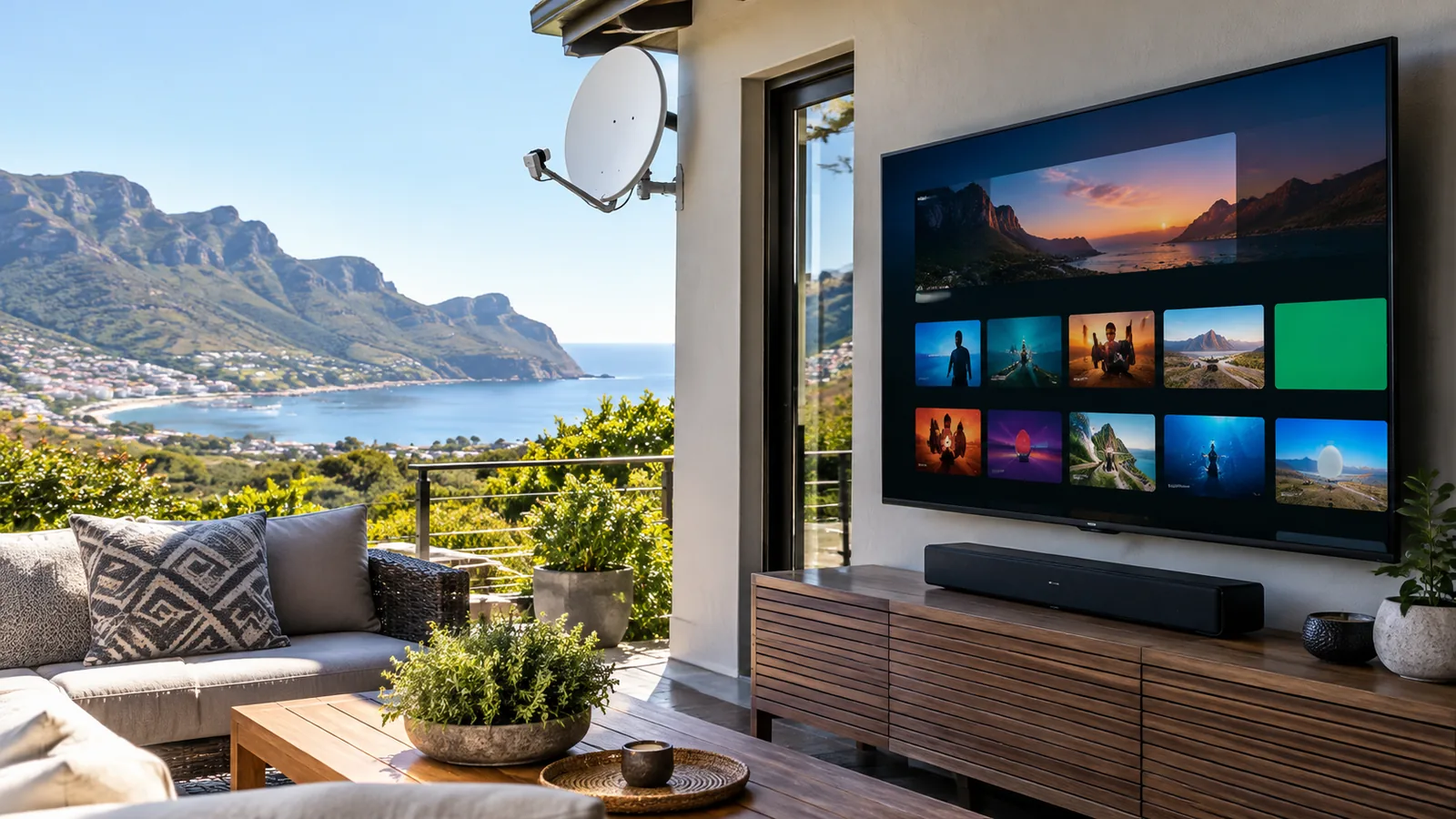
Picture a Friday night in Hout Bay. The south-easter is howling, the fibre router is blinking, and someone wants the match on. Which setup keeps playing? That question sits at the heart of DStv Stream vs decoder, and the honest answer depends on your house, your internet and how you watch.
Quick answer
In the DStv Stream vs decoder choice, Stream is cheaper per month and needs no dish, but it relies on steady fibre and uses data. A satellite decoder costs more up front, works without internet and keeps going in bad weather or outages if it has backup power. Holiday homes often suit Stream; busy family homes usually suit a decoder.
DStv Stream vs Decoder: The Short Version for Hout Bay
Both options give you the same DStv packages and channels. What changes in DStv Stream vs decoder is how the picture reaches your TV.
- DStv Stream travels over your internet. You watch on a smart TV, phone, laptop or a DStv Streama box.
- A satellite decoder gets its signal from a dish pointed at the sky. No internet is needed for live channels.
In the valley, both have a place. Homes in Hughenden or Scott Estate with good fibre and a clear sky can choose either. Houses tucked under Chapman's Peak or the Karbonkelberg sometimes battle to see the satellite, and that changes the maths. A proper DStv dish alignment often fixes that before you give up on the dish.
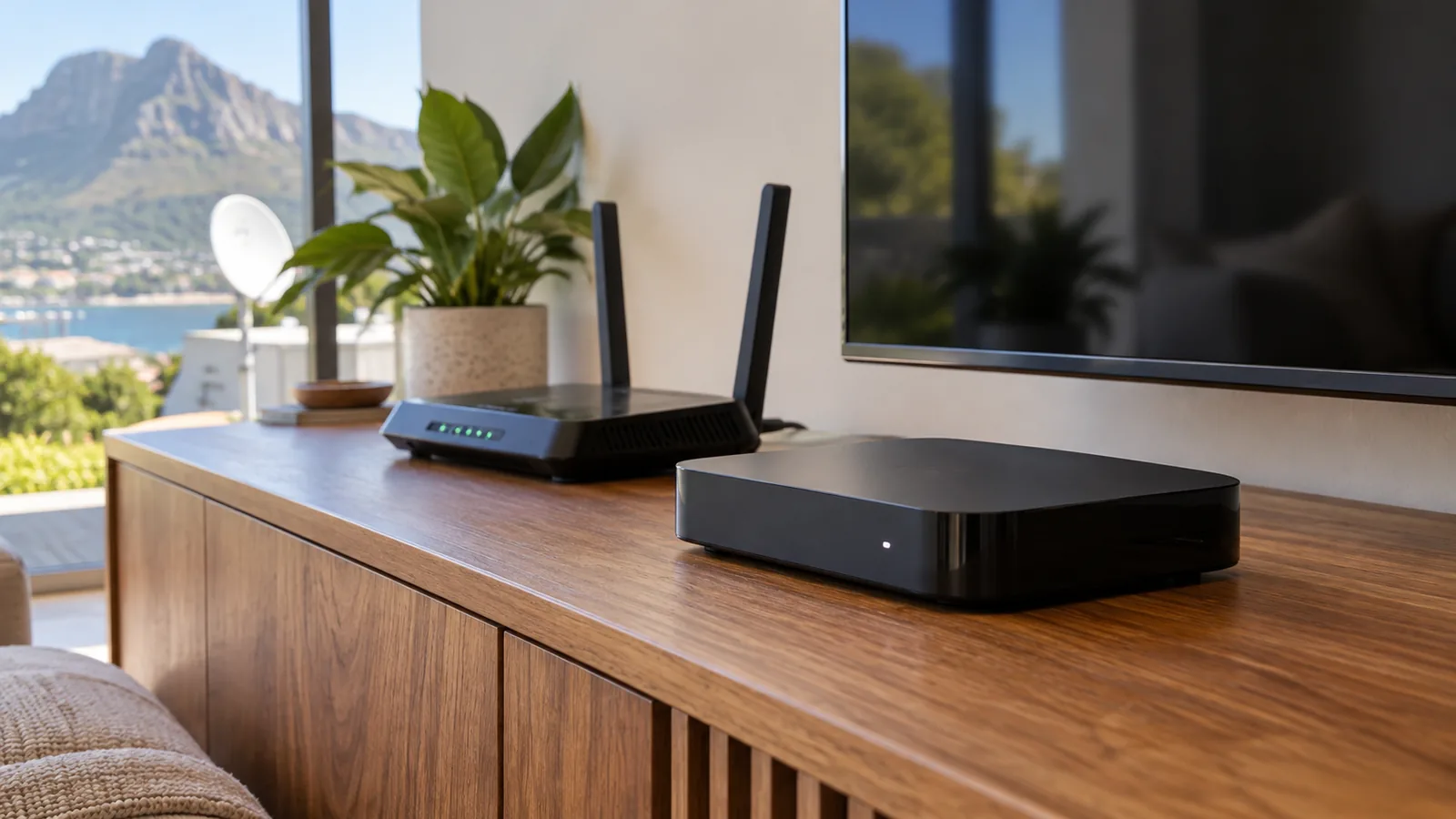
Price Check: DStv Stream Packages vs Satellite
Money first, because that is where most DStv Stream vs decoder chats start. These are the monthly prices at the time of writing, after the September 2026 package changes.
| Package | Decoder (satellite) pm | DStv Stream pm |
|---|---|---|
| Starter | R150 | R99 |
| Select | R339 | R299 |
| Sports | R479 | R399 |
| Movies & Series | R500 | R500 |
| Premium | R979 (or R799 on a 24-month contract) | R799 |
So DStv Stream packages are equal or cheaper every month. The hidden cost is your internet: if you already pay for uncapped fibre, the DStv Stream vs decoder sum tips towards Stream, but if you need fibre just for TV, the saving shrinks fast.
Our list of the cheapest DStv packages this year goes deeper on which tier gives you the most for the least.
Decoder owners also face the R125 Access Fee if they want to record on an Explora or link a second room. We explain when that fee is worth it in our Access Fee breakdown. Prices change, so confirm on dstv.com or in the app before you switch.
Picture Quality and Data: DStv Stream vs Decoder at Home
A well-aligned dish gives a stable picture that does not care how many people in the house are on Netflix or video calls. Streaming adjusts picture quality to your connection. On strong fibre, it looks great. On a busy line, the picture softens or buffers.
Data is the other side of it. Streaming HD TV every evening chews through a capped LTE plan quickly. In the DStv Stream vs decoder debate, a home on uncapped fibre barely notices, while a home on mobile data feels every match.
- Uncapped fibre at 20Mbps or more: Stream works well for one or two screens.
- Capped LTE or shared rental WiFi: a decoder is usually the safer bet.
- Weak WiFi in the TV room: fix the WiFi before blaming Stream.
Load Shedding and Wind: Which Keeps Hout Bay Watching?
When the power goes, both sides of the DStv Stream vs decoder question need help. A decoder setup needs the TV and decoder on a UPS or inverter. Stream needs the TV, the router and the fibre box all on backup. That is one more box to keep alive.
Weather works the other way round. Heavy rain can cause brief "rain fade" on a dish, and strong wind off the Atlantic can push a badly fixed dish out of line, which our dish alignment service in Hout Bay puts right.
Fibre does not care about rain. So for a home where the dish keeps losing signal and nobody wants another bracket on the roof, streaming can be the calmer choice.
Good to know
Salt air eats cheap connectors on dishes near the water in Hangberg, Northshore and Llandudno. A decoder setup on the coast needs good weatherproofing. A Stream setup avoids that, but only if the internet is dependable.
Need DStv installers in Hout Bay?
Tell us what you need or what your screen is showing. We give you a clear price before we drive out.
Holiday Homes in Hout Bay: DStv Stream vs Decoder
Holiday homes and rentals change the picture. A beach house that sits empty for months does not need a dish slowly rusting on the wall. With Stream, you log in on the smart TV when you arrive and log out when you leave.
Owners who let to guests should think about logins. Guests using your account on the TV can see your profile and viewing history. Some owners prefer a decoder on its own subscription for the rental side and keep Stream for their own phones.
Using the DStv app on the road
Most packages include streaming on the DStv app on a phone or tablet. That is handy for the drive over Chapman's Peak with kids in the back, or for following the cricket at the harbour while you wait for a table.
Logging In: The DStv Stream TV Code and the Streama
The first time you open DStv on a smart TV, it does not ask for your password on the TV. It shows a short DStv Stream TV code instead. Here is how to finish the login:
- Open the DStv app on the smart TV and choose the option to sign in.
- Write down the code shown on the TV screen.
- On your phone or laptop, log in to your DStv account at the web address shown on the TV.
- Type in the DStv Stream TV code and confirm.
- The TV refreshes and your profiles appear.
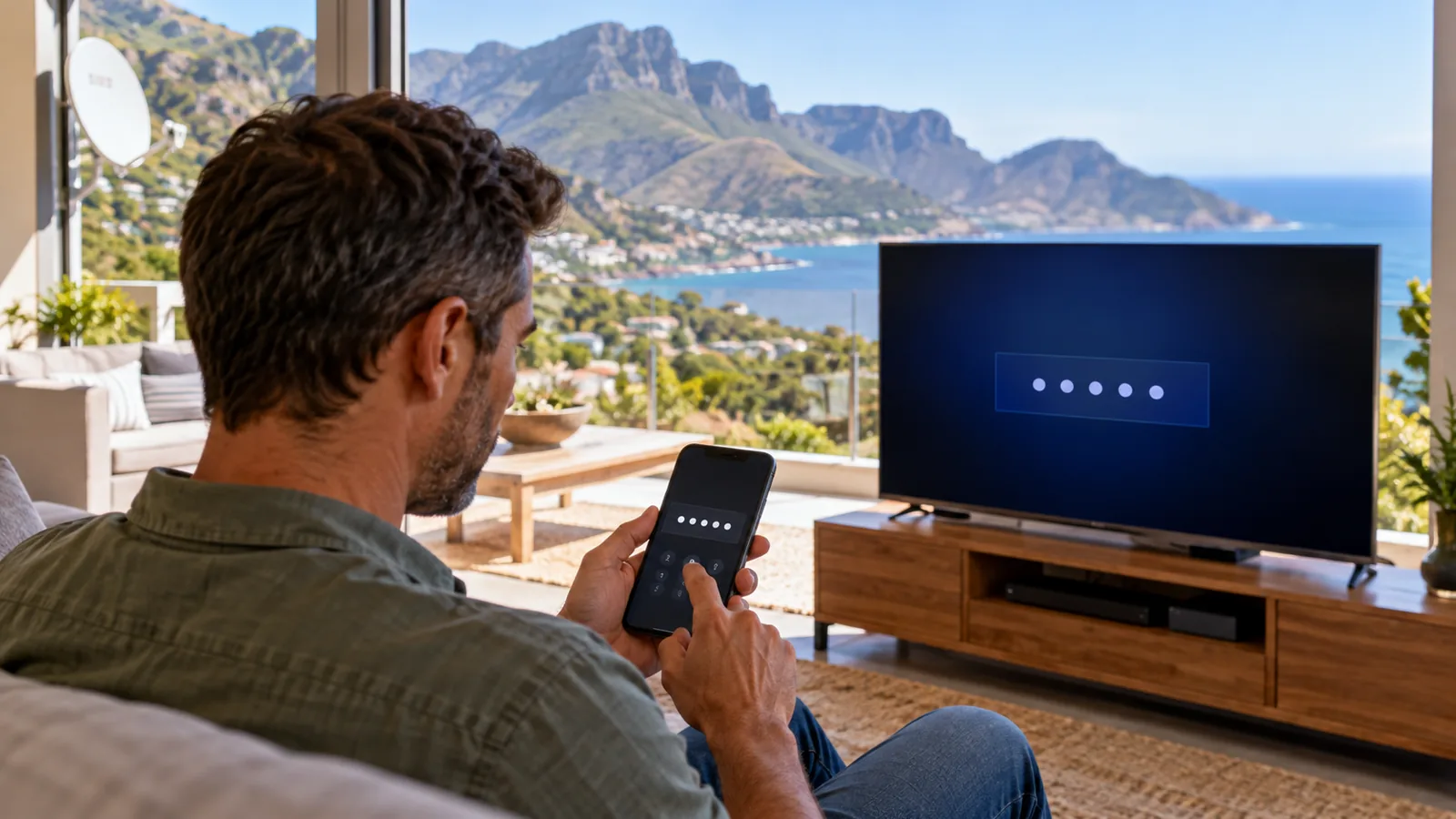
If the code expires before you finish, simply ask the TV for a new one. Codes are short-lived for security. If the remote will not respond while you do this, our remote control troubleshooting guide covers batteries, pairing and resets.
Where the DStv Streama fits
The DStv Streama is a small box that plugs into any TV with HDMI and turns it into a streaming TV. There is no dish and no installation, only power, HDMI and an internet link. It suits older TVs without a good app, and rental flats where a dish is not allowed. Retail prices vary a lot, so compare on the day.
A DStv Streama is happiest on a network cable or strong WiFi. If it sits two walls away from the router, expect buffering during the evening rush.
Fixing Home WiFi Before You Stream in Hout Bay
Many Hout Bay houses are built down steep slopes on several levels. The router sits in the study at the top and the TV room is two floors down. That is the most common reason streaming disappoints.
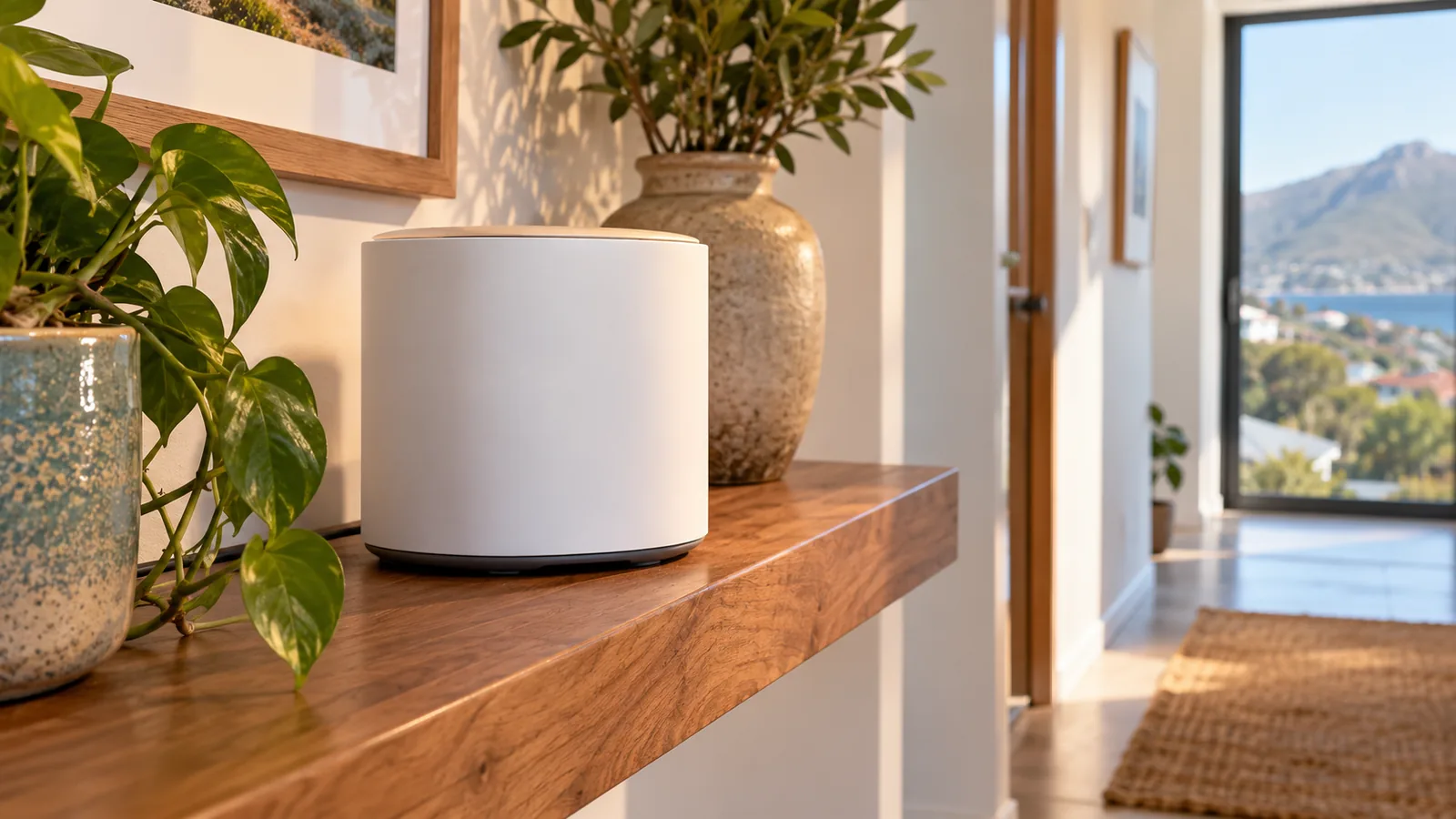
A mesh WiFi system, or a network cable run to the TV, fixes most of it and makes DStv Stream vs decoder a fair fight. Our home WiFi and network installations in Hout Bay cover exactly this: strong coverage where the TV lives, not just next to the router.
Technician tip
Run a speed test on your phone while standing next to the TV, not next to the router. If it reads below about 10Mbps, sort the WiFi first. Changing your DStv setup will not fix a weak signal in the room.
The MyDStv app is for your account
Do not confuse the viewing app with the MyDStv app. The MyDStv app is for paying, changing packages and clearing errors on a decoder. The DStv app is for watching. Most people keep both on their phone.
Explora Owners: Getting Catch Up Back on WiFi
The decoder side of DStv Stream vs decoder is not internet-free if you want Catch Up. An Explora uses the internet to download Catch Up shows. The Explora Ultra has WiFi built in. Older Explora models connect with a network cable or the DStv WiFi Connector accessory.
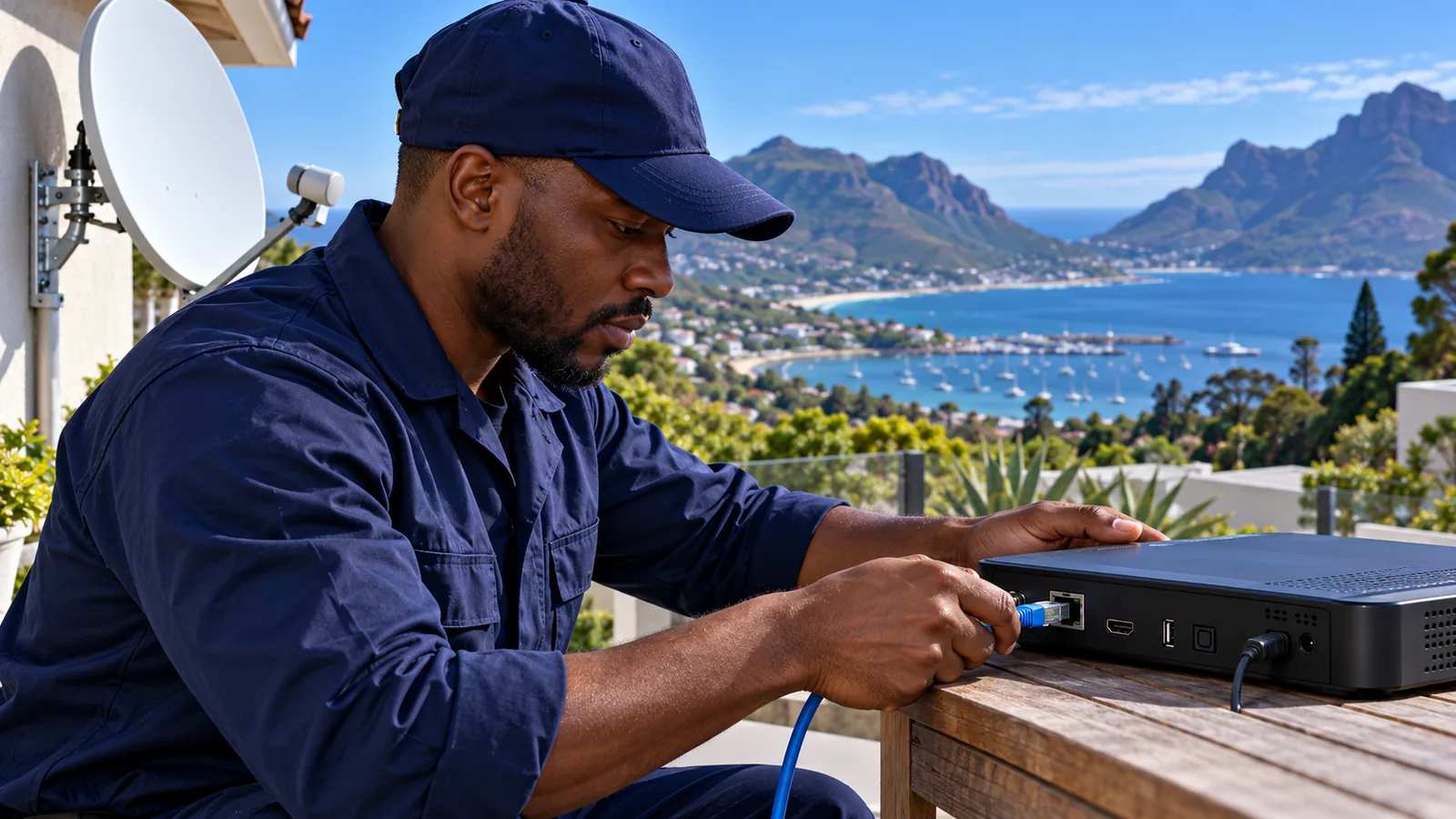
When Catch Up is not working, check these in order:
- Is the Access Fee active on the account? Catch Up on the decoder needs it.
- Is the decoder connected? Look in the settings menu for the internet connection test.
- Is the router on and working for other devices?
- Restart the decoder and the router, then test again.
Our Explora installation and setup team can wire the decoder into your network and test Catch Up with you before leaving.
Our Verdict on DStv Stream vs Decoder in Hout Bay
Choose Stream if you have uncapped fibre, strong WiFi in the TV room, a holiday home that stands empty, or a dish spot the mountain blocks. Choose a decoder if you watch a lot of live sport, share the internet with a busy household, or want TV to work when the fibre goes down.
Plenty of families skip the DStv Stream vs decoder choice and do both: a decoder in the lounge and the DStv app on phones and tablets. That mix covers nearly everyone.
Get Local Help Choosing Your Setup
Not sure which way to go? Our team handles DStv installers in Hout Bay work from Llandudno to Victoria Road, from dishes to WiFi. Tell us about your house and internet on our contact page, and we will quote first.
For official package details before you settle DStv Stream vs decoder for good, see the DStv package guide on dstv.com.
DStv stream vs decoder in Hout Bay: FAQs
DStv Stream vs decoder: which is cheaper per month?
Stream usually wins on the monthly fee. At the time of writing, Starter is R99 on Stream versus R150 on a decoder, and Premium is R799 on Stream versus R979 on a decoder. You need no dish or installation either. The catch is internet cost: if you would only pay for fibre to watch TV, the saving can disappear.
Can I use DStv Stream without a decoder in Hout Bay?
Yes. DStv Stream works on a smart TV app, phone, tablet, laptop or a DStv Streama box, with no satellite dish or decoder. You only need an active Stream package and a steady internet connection. Fibre is the best choice for watching on a big TV in the evenings when the network is busy.
Which is better in Hout Bay, DStv Stream vs decoder, during load shedding?
A decoder is usually easier to keep running. You only need backup power for the TV and decoder. Stream needs the TV, router and fibre box on backup too. If your Hout Bay home already has an inverter that covers the router, both options keep working during power cuts.
Does DStv Stream vs decoder change the channels I get?
No. Each package has a Stream version and a decoder version with the same channel line-up, though a few live events and features can differ by platform. The big differences are price, how the picture reaches you, and whether you need internet. Check the current details for your package on dstv.com before you switch.
Is DStv Stream a good idea for a holiday home in Hout Bay?
Often, yes. A holiday home in Hout Bay or Llandudno that stands empty for months does not need a dish exposed to salt air and wind. You log in on the smart TV when you arrive and log out when you leave. Just make sure the house has fibre and WiFi that reaches the TV.
How do I enter the DStv Stream TV code?
Open the DStv app on your smart TV and choose sign in. The TV shows a short code. On your phone or laptop, log in to your DStv account at the web address shown on screen and type in the code. The TV then logs in. If the code expires, ask the TV for a new one.
Talk to our Hout Bay team
Call or WhatsApp us for a quote. We answer quickly and we always price the job before we arrive.